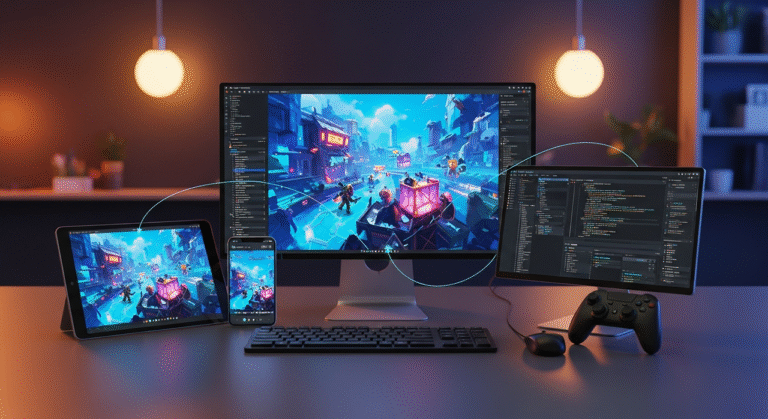
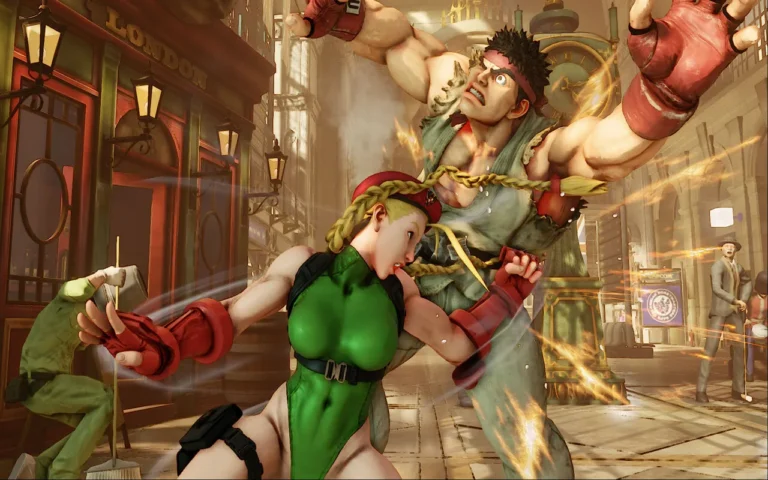
In game development, interactive media, and mobile applications, 2D game engines play a crucial role in transforming creative ideas into playable experiences.
Whether you’re an indie developer or working within a professional game studio, selecting the right engine can significantly impact performance, scalability, and production efficiency.
Today’s 2D game engines range from beginner-friendly platforms to advanced professional tools used in commercial titles. Each engine offers different strengths depending on your project scope, budget, and technical requirements.
In this article, we will review the top 2D game engines, highlight their strengths, and help you determine which one best fits your development goals. Let’s explore the essentials and discover which engine can power your next game!
What Are the Best 2D Game Engines?
The market offers a diverse selection of the best game engines designed for different skill levels, budgets, and project types.
Some engines specialize in mobile optimization and rapid prototyping, while others provide advanced rendering pipelines and cross-platform deployment for commercial productions.
Let’s review the top 2D game engines:
1. Unity
Unity is one of the most widely used engines for both 2D and 3D game development. While known for 3D capabilities, its 2D toolset is mature, flexible, and production-ready.
With features like tilemaps, sprite animation systems, 2D lighting, physics, and a vast asset store, Unity supports everything from indie mobile games to commercial cross-platform titles.
Advantages:
- Cross-platform export (PC, console, mobile, web)
- Strong 2D lighting and physics systems
- Massive community and learning resources
- Asset Store ecosystem
- Industry adoption in indie and mid-scale studios
Disadvantages:
- Licensing and pricing structure can be confusing
- Requires solid C# knowledge
- Can feel heavy for small projects
2. Unreal Engine
Unreal Engine, while primarily known for 3D AAA development, includes 2D capabilities through its Paper2D system.
It offers powerful rendering, visual scripting via Blueprints, and high-end performance optimization. Although not as commonly used purely for 2D projects, it’s suitable for hybrid 2D/3D experiences or stylized side-scrollers. There are many perfect games made with Unreal Engine.
Advantages:
- High-end rendering pipeline
- Blueprint visual scripting system
- Strong console support
- Advanced lighting and effects
Disadvantages:
- Overkill for simple 2D games
- Larger build sizes
- Steeper learning curve
- 2D toolset less emphasized compared to 3D
Read More: Unity vs. Unreal Engine
3. Godot
Godot is a rapidly growing open-source engine designed with 2D development as a first-class citizen.
Its node-based architecture makes scene organization intuitive, and its lightweight nature makes it ideal for indie developers and small teams.
Advantages:
- Free and open-source
- Strong 2D workflow
- Lightweight and fast
- Active community
- Flexible scripting (GDScript, C#, C++)
Disadvantages:
- Smaller asset marketplace
- Fewer large-scale commercial case studies
- Console export requires additional setup
4. GameMaker
GameMaker is one of the most beginner-friendly 2D engines, focused exclusively on 2D interactive game development.
Its drag-and-drop system allows rapid prototyping, while its scripting language (GML) supports more advanced logic.
Advantages:
- Built specifically for 2D
- Easy to learn
- Great for platformers and arcade games
- Fast prototyping
Disadvantages:
- Less suitable for complex 3D/hybrid projects
- Licensing tiers for exports
- Not ideal for large AAA-scale production
5. Construct
Construct is a browser-based engine designed for simplicity and accessibility. It uses a visual event system instead of traditional coding.
Ideal for educational projects, prototypes, and lightweight mobile games.
Advantages:
- No coding required
- Runs in browser
- Fast iteration
- Beginner-friendly
Disadvantages:
- Subscription-based
- Limited scalability
- Less suitable for complex systems
6. Cocos2d
Cocos2d is widely used in mobile game development, particularly in Asia.
It’s lightweight, performance-focused, and optimized for 2D rendering.
Advantages:
- High performance
- Mobile optimization
- Flexible scripting
- Free and open-source
Disadvantages:
- Requires programming experience
- Smaller Western community
- Less beginner-friendly
7. MonoGame
MonoGame is a framework rather than a full visual engine. It’s ideal for developers who prefer full control over their code.
Advantages:
- Lightweight framework
- High flexibility
- Great for custom engine building
Disadvantages:
- Requires strong programming skills
- No built-in visual editor
- Slower development compared to visual engines
8. RPG Maker
RPG Maker is specialized for creating 2D RPGs with minimal coding.
Advantages:
- Extremely beginner-friendly
- Built-in RPG systems
- Asset library included
Disadvantages:
- Limited flexibility outside RPG genre
- Less suitable for custom mechanics
- Performance limitations for larger projects
9. Defold
Defold is a lightweight engine optimized for 2D mobile and web games.
Advantages:
- Free to use
- Small build sizes
- Good mobile optimization
- Lua scripting
Disadvantages:
- Smaller community
- Fewer high-profile titles
- Limited built-in marketplace
What Are the Different Types of 2D Game Engines?
We can categorize 2D game engines into three main groups:
Beginner-Friendly Engines
Designed for rapid prototyping and accessibility.
- Construct
- GameMaker
- RPG Maker
Professional & Cross-Platform Engines
Scalable for commercial production and console deployment..
- Unity
- Unreal Engine
Open-Source & Developer-Focused Engines
Offer flexibility, customization, and lower cost.
- Godot
- Cocos2d
- MonoGame
- Defold
What Is the Best 2D Game Engine for You?
Choosing the right engine depends on:
- Project Scope: Mobile indie game, console release, or hybrid 2D/3D experience.
- Budget: Free/open-source vs. licensed engines.
- Skill Level: Visual scripting vs. code-heavy frameworks.
- Platform Goals: PC, console, mobile, or web.
- Pipeline Integration: Compatibility with animation tools and asset workflows.
Professional Tips:
- Test small prototypes before committing.
- Consider long-term scalability.
- Evaluate export options early.
- Ensure community support and documentation availability.
Key Features to Evaluate
When selecting a 2D game engine, assess:
- Rendering and lighting systems
- Physics engine
- Animation integration
- Scripting flexibility
- Cross-platform export
- Asset management
- Performance optimization tools
- Community and ecosystem
Final Words
There is no universal “best” 2D game engine. The ideal choice depends on your technical expertise, project scope, and long-term production goals.
Indie developers often favor Godot or GameMaker for simplicity, while professional studios lean toward Unity or Unreal Engine for scalability and cross-platform deployment.
By understanding each engine’s strengths and limitations, you can select the one that aligns with your creative vision and development pipeline.
The right engine doesn’t just power your game, it shapes how efficiently and creatively you build it.