Gaming hits $775 billion by 2032, and cross-platform games grab 3-5x more revenue than single-platform ones. And even Fortnite makes $5.8 billion yearly because it runs on everything.
Cross-platform means building once for all devices, and it will save you $70,000 and 6 months versus separate versions.
Here we will show you the real deal with cross-platform game development, which engines work, which platforms pay best, and how to dodge the mistakes that kill most projects.
What Makes a Game Truly “Cross-Platform”?
A cross-platform game is one that you only have to make once, and it works on many devices, like your phone, computer, gaming console, etc.
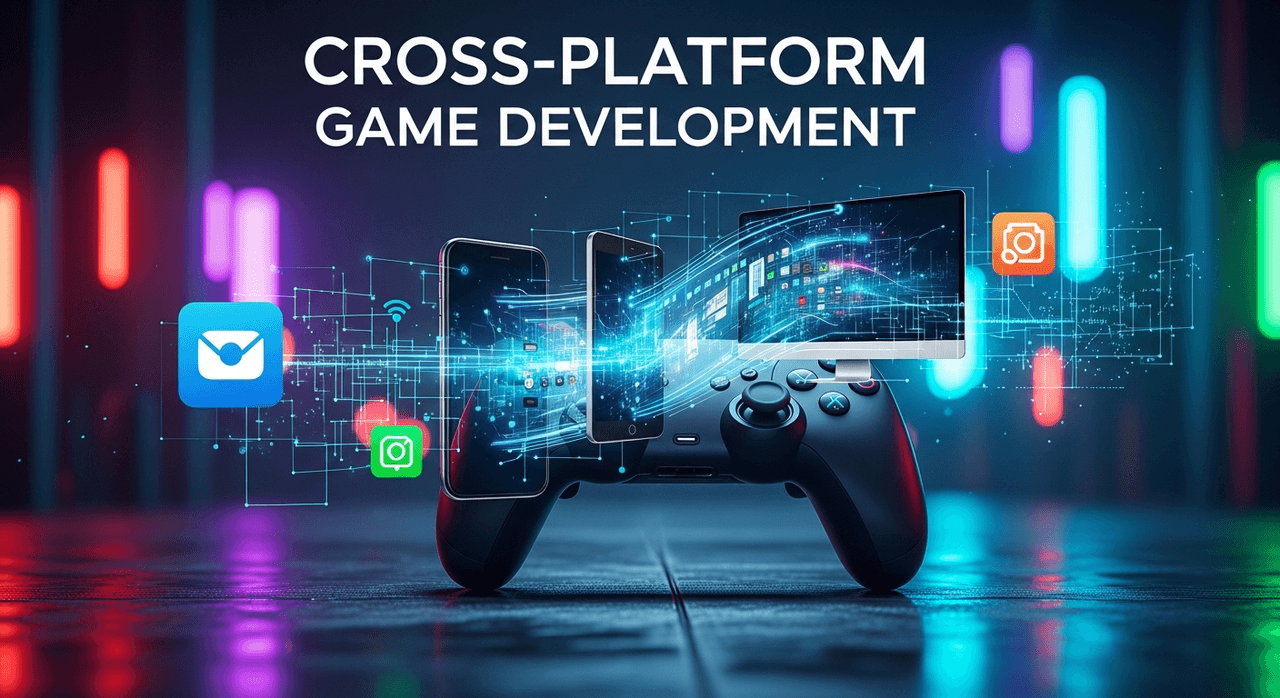
It’s like Netflix. You can watch the same show on your phone, laptop, or TV. The same goes for casual games.
People often confuse cross-play, cross-progression, and cross-platform, but they are not the same thing:
- Cross-platform: You can buy Minecraft for PC, Xbox, or mobile, so it works on a lot of different systems.
- Cross-play: Players on different devices can play together, like PC players fighting mobile players in the same match.
- Cross-progression: You can pick up where you left off on your phone and continue on your PC.
When you put all three together, that’s when the real power comes out. Fortnite is a good example. You can play it on almost any screen, team up with friends no matter what device they have, and your skins and progress go with you everywhere.
This is why Epic Games makes about $5.8 billion a year from just one game. Genshin Impact does the same thing and makes more than $2 billion a year.
How Much Money Can You Really Save with Cross-Platform Development?
In general, making one AAA game that works on all platforms costs 40–60% less than making separate versions for each platform.
Read More: Game Development Cost

If you want to make a PC and console version of a mobile game design that costs $50,000 to make, it will cost you an extra $80,000 to $100,000.
But if you go cross-platform from the start, well, you could be looking at a total of $70,000 to $80,000, and that’s $70,000 back in your pocket.
| Development Aspect | Native (Per Platform) | Cross-Platform (All Platforms) | Your Savings |
| Initial Development | $50,000 × 3 = $150,000 | $70,000-80,000 | ~$70,000 (47%) |
| Development Time | 14 months | 8-9 months | 5-6 months |
| Team Size Needed | 3 separate teams (9-12 devs) | 1 unified team (4-6 devs) | 50% fewer people |
| Monthly Maintenance | $3,000/platform = $9,000 | $3,500 total | $5,500/month |
| Bug Fix Time | 3-5 days per platform | 1-2 days for all | 70% faster |
| Update Deployment | 1 week × 3 platforms | 2-3 days total | 2 weeks saved |
| Game Testing Costs | $15,000 per platform | $20,000 total | $25,000 saved |
| Asset Creation | Often duplicated work | Create once, optimize per platform | 30% time saved |
Hidden Cross-Platform Game Development Costs Nobody Mentions
But hold on, there’s something that no one tells you about. For consoles, the cost of platform certification can be between $5,000 and $30,000, and you will need special QA testing that costs 20 to 30 percent more than testing on just one platform.
It takes longer to optimize performance when you’re working with everything from high-end PCs to low-cost phones.
And sometimes you’ll need features that only work on certain platforms, which will break your “write once, run everywhere” dream. For example, you might need to set up Apple’s Game Center differently from Google Play Games.
Still, the ROI makes sense. If your game only makes $1,000 a month on each platform, you’re looking at $3,000 a month instead of $1,000. That 200% increase in revenue pays for the extra work pretty quickly.
Which Game Engine Should You Pick for Cross-Platform Game Development?
If you choose the wrong engine, your game could be over before you even write a line of code. So let’s look at the big four and see how they stack up in terms of speed, cost, and whether or not your game will work on the devices you want it to.

| Feature | Unity | Unreal | Godot | CryEngine |
| Best For | Mobile, 2D, Indie | AAA, High Graphics | Small Indies, 2D | Open Worlds |
| Learning Time | 1-2 months | 3-6 months | 2-4 weeks | 4-6 months |
| Cost | Free < $100k/year | 5% after $1M | Completely Free | Pay what you want |
| Build Size (minimum) | 15MB | 100MB | 5MB | 50MB |
| Asset Store Items | 70,000+ | 20,000+ | 2,000+ | 500+ |
| Active Developers | 3 million | 7 million | 150,000 | 1,000 |
| Documentation Quality | Excellent | Very Good | Good | Poor |
| Mobile Performance | Great | Demanding | Good | Moderate |
Unity: The All-in-One
Unity is a game engine that can do a lot of things. It doesn’t take long to learn how to use it; you can get something on screen in about 30 minutes.
Also, the Asset Store has more than 70,000 pre-made items, so you don’t have to make everything from scratch. Where Unity really shows itself is:
- Mobile games, like Pokémon GO and Among Us, use it.
- 2D games and easier 3D projects
- Fast prototypes that need to be shipped quickly.
- Teams with people of different skill levels.
However, Unity games often have that “Unity look,” which is when the graphics look a little plastic and say, “I’m a Unity game,” and if you don’t optimize correctly, performance can also go down.
And be careful with the prices; This is one of the best 2D game engines that is free until you make $100,000, and then it’s $400 per seat per year.
Unreal Engine: The Graphics Powerhouse
When big studios want to make people gasp, they use Unreal Engine. We mean Fortnite, Final Fantasy VII Remake, and pretty much every game that makes you say, “Wow, those graphics!” It’s free until you make $1 million, at which point Epic takes 5% of your sales.
But just in case, it takes about 3 to 6 months to learn Unreal well, and your game files will be big; even a small project is 100MB.
Godot: The Dark Horse That Is Open Source
Godot is having a good time. There are no royalties, licenses, or anything else that costs money, and the entire engine is only 40MB (Unreal is 40GB!).
Indies are leaving because they’re fed up with how often Unity changes its prices and how hard Unreal is to use.
Godot, on the other hand, isn’t perfect. The 3D game features are about five years behind Unity, and you need to pay $3,000 to $10,000 for third-party services to port to a console.
And good luck finding experienced Godot developers; there are only about 1/10th as many as Unity developers.
Top Programming Language for Cross-Platform Game Development
It’s not about what’s “best” when you choose a programming language. It’s about what will get your game out the door without running out of money or burning out your team.
| Metric | C++ | C# | JavaScript | Python |
| Raw Speed | 100% (baseline) | 70-80% | 10-30% | 1-10% |
| Development Speed | Slow (100%) | Fast (250%) | Very Fast (300%) | Fastest (400%) |
| Memory Control | Complete | Automatic (GC) | Limited | Very Limited |
| Learning Curve | 6-12 months | 2-3 months | 1 month | 2 weeks |
| Suitable For | AAA, Engines | Most games | Web games | Tools, Prototypes |
| Average Salary | $127,000 | $107,000 | $98,000 | $105,000 |
| Job Availability | High | Very High | Highest | Moderate |
C# vs. C++
C++ is 20% to 50% faster than C# when it comes to raw performance. However, you can write code in C# 2 to 3 times faster.
Do you want your game to run quickly, or do you want to finish making it? It’s the classic trade-off. C++ wins when:
- Every frame matters (VR in games needs at least 90 FPS)
- You’re going after old consoles or hardware.
- Memory usage can’t be more than 2GB.
And when C# wins is:
- You want to ship this year, not next year.
- Your team doesn’t have ten years of experience with C++.
- You’re making something other than a cutting-edge AAA game.
C++ takes about 12ms to figure out 1 million physics interactions, while C# takes about 18ms.
JavaScript and Python
You wouldn’t believe how many games JavaScript runs. JavaScript is what makes Vampire Survivors work and is used in Cookie Clicker. These games make a lot of money and run in web browsers.
On the other hand, Python is used in game tools and server backends. For example, the entire backend of EVE Online runs on Python.
Yet, the limitations were hard to deal with. JavaScript games have trouble when there are more than 1,000 objects on the screen, and for real-time things, Python is 10 to 100 times slower than C++.
Can Cross-Platform Frameworks (Xamarin, Flutter, React Native) Actually Make Games?
In short, yes, but probably not what you think. These frameworks can do:
- Card games and board games
- Simple puzzles (like Wordle)
- Quiz apps that have games in them
- Strategy games with simple graphics that take turns
Alto’s Adventure was made with a framework. So was Pokémon TCG Online. But keep in mind that these aren’t exactly like Cyberpunk 2077.
In fact, these frameworks break down when you need smooth 60 FPS animation or complicated physics.
How to Create a Cross-platform Game on Mobile/PC/Console?
The trick isn’t to get your game to run on all platforms; rather, it’s to make it feel like it belongs on all of them. Each platform has its own style, and players can tell when a port is lazy from a mile away.
Mobile Platforms (iOS & Android)
Mobile makes up 51% of gaming revenue, but it’s also where most cross-platform games go to die.

Who is your biggest enemy? The screen you touch because there are 14 buttons and two analog sticks on a console player. But what about mobile phones? Well, mobile players have… their thumb.
Designing “touch-first” controls first and then making them more complicated for other platforms is the smart thing to do. Genshin Impact got this right. On mobile, you just tap to attack, but on PC, you can do a full combo.
Then there’s the nightmare of the app store. Apple turns down 40% of games the first time they are submitted. What are some common reasons?
Yes, they still test that your game crashes on the iPad mini 2nd gen. Or you forgot to add their “Sign in with Apple” requirement.
Monetization is very different on different platforms, too, since:
- Players on iOS spend 2.5 times as much as players on Android.
- Ads work on Android but not very well on iOS because of privacy settings.
- Apple and Google both take 30%, but Google sometimes lets you use other payment methods.
PC Platforms (Windows, macOS, and Linux)
Those who play PC games are picky. They have rigs that cost $2,000 and want you to use every dollar of it. But they’re also playing your game on a laptop from 2011 with built-in graphics.
Here, graphics settings can save lives. You must have at least:
- Low (for Intel graphics from 2015)
- Medium (GTX 1060 level, 60% of Steam users)
- High (RTX 3070+, for people who want to show off)
- Custom (because PC gamers like to change things)
After that, you have to optimize your keyboard and mouse. PC gamers want to change the keys, use different input methods, and set the mouse sensitivity correctly.
So, if you don’t do this, your Steam reviews will go down.
Console Development
Consoles are a whole different thing. You can’t just upload your game and hope for the best because you need permission, dev kits, and a small miracle.
The prices of dev kits are different, too:
- PlayStation 5: $450 (if Sony approves you)
- Xbox Series X: Free (through the ID@Xbox program)
- Nintendo Switch: $450 (good luck getting approved)
That’s only the hardware, and the hardest part is getting certified. It takes Sony 2 to 3 months, and they will fail you for things like “loading icon spins counter-clockwise” (not a joke).
Microsoft is faster (3–4 weeks), but it needs Smart Delivery support and Nintendo. If your game animation makes Mario look bad, they won’t accept it.
The worst part here is that different platforms have different goals for performance:
- PlayStation 5: 4K at 60 frames per second or 1080p at 120 frames per second
- Xbox Series S: 1440p/30fps minimum (the weak link)
- Nintendo Switch: 720p/30fps when playing on the go and 1080p/30fps when playing on a TV
That Xbox Series S requirement is the main thing that kills more ports.
How To Handle Different Cross-Platform Game Screen Sizes?
There are over 24,000 different Android devices alone. Add iPhones, iPads, and various PC monitors, and you’re looking at about 30,000 screen configurations. And of course, you can’t test them all. So you need to be smart about it.
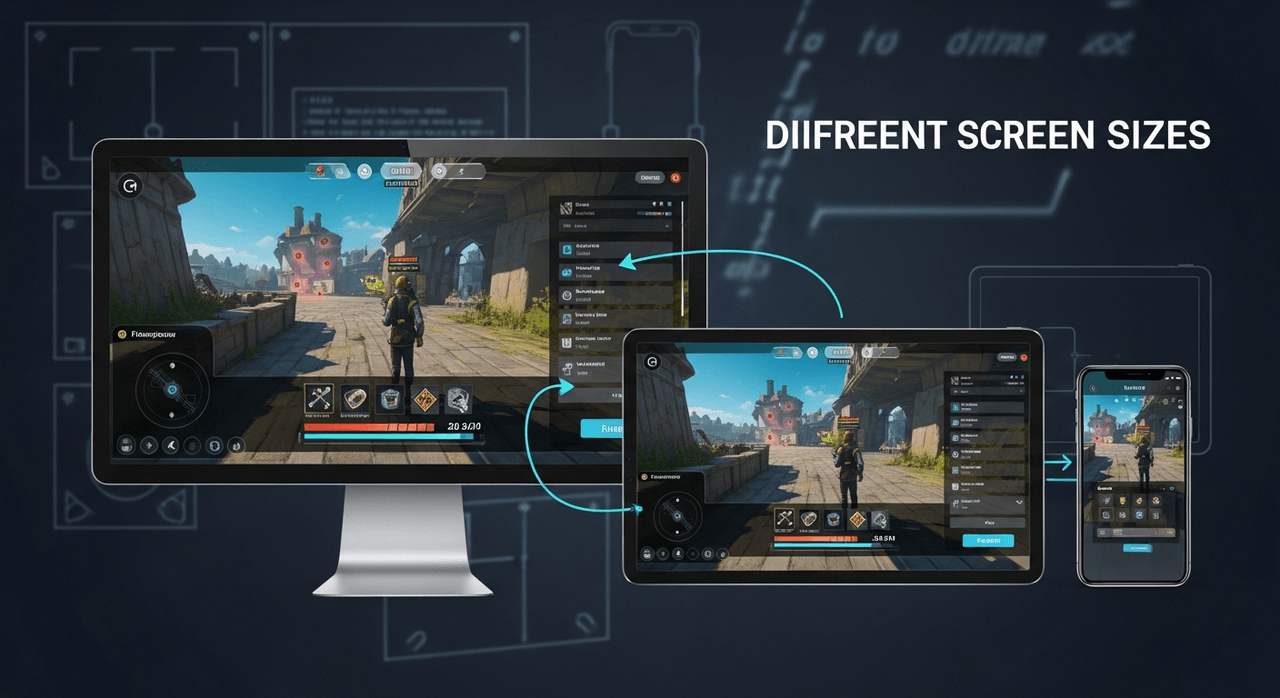
Start with safe zones. Every screen has areas where important stuff shouldn’t go. On iPhone X, that notch eats 44 pixels and on TVs, the edges might be cut off (overscan).
So, keep your UI elements at least 5% away from screen edges, and that means on a 1920×1080 display, your actual usable space is more like 1728×972.
For responsive design, think in percentages, not pixels:
- Buttons: 10-15% of screen width
- Text: 2-3% of screen height minimum
- HUD elements: anchored to corners with percentage offsets
Game asset scaling gets tricky, and you need at least three versions:
- SD (1x): 480p displays and low-end phones
- HD (2x): 1080p displays and mid-range devices
- Ultra (4x): 4K displays and high-end phones
What’s the Secret to Cross-Platform Multiplayer That Actually Works?
Accept that perfect fairness is impossible and design around it.
Server architecture starts with choosing your battles. Dedicated servers cost $500-2,000/month for every 1,000 concurrent players. But peer-to-peer has horrible cheating problems. Most games use a hybrid – dedicated servers for competitive modes, peer-to-peer for co-op.
Your backend stack probably looks like:
- Matchmaking: AWS GameLift or Azure PlayFab
- User accounts: Custom backend or Epic Online Services (free!)
- Game servers: Photon, Mirror, or roll your own
- Voice chat: Vivox or Discord SDK
Account systems get messy fast. Players want one account across everything, but platforms fight this. PlayStation requires a PSN login. Xbox wants Xbox Live.
Mobile needs Google Play Games or Game Center. The solution? Create your own account system that links to platform accounts. Yes, it’s extra work. No, there’s no way around it.
Cross-progression saves need careful planning:
- Save files must be under 1MB for cloud sync
- Version conflicts happen (mobile on v1.2, PC on v1.3)
- Platform holders can corrupt saves during cert testing
The mobile vs. PC fairness problem is real. PC players have 240 FPS and pixel-perfect mouse aim. Mobile players have 30 FPS and their thumbs. Solutions that actually work:
- Input-based matchmaking (controller players together, mouse players together)
- Aim assist for controller/touch (yes, PC players will complain)
- Platform-specific leagues with optional cross-play
Here’s what kills most cross-platform multiplayer:
- Different update schedules (mobile updates weekly, console monthly)
- Network code that assumes everyone has fiber internet
- Not handling 500ms ping from mobile players on 4G
- Forgetting that Switch uses WiFi with 30% packet loss in portable mode
Performance Optimization for Cross-Platform Game Development
The first step in optimizing performance is to accept the truth: you’re optimizing for the weakest device, not the strongest.
Thus, your beautiful game needs to work on a 2018 phone with 2GB of RAM, and the rest is just icing on the cake.
Real tricks that work on specific platforms are here:
- Mobile: Keep batch draw calls under 100.
- PC: Multi-threading (most PCs have four or more cores that are not being used)
- Console: Use their own compression formats (saves 40% memory)
Never forget that managing memory becomes your religion, and here is what you have to deal with:
- Mobile: 800MB to 1.5GB of space available
- Switch: 3GB available
- PC: 4 to 16 GB of space
- PS5 and Xbox: 10 to 13 GB of space
The smartest trick here is to load assets when you need them. So, you definitely should load that gorgeous 4K texture on computers with at least 8GB of RAM.
Where Should You Publish? App Stores and Marketplaces?
A lot of platforms want a piece of your game, but some give you a lot more in return.
| Platform | Cut | Users | Avg Revenue per User | Your Take-Home |
| Apple App Store | 15-30% | 1 billion | $87/year | 70-85% |
| Google Play | 15-30% | 2.5 billion | $48/year | 70-85% |
| Steam | 20-30% | 132 million | $96/year | 70-80% |
| Epic Games | 12% | 31 million | $84/year | 88% |
| GOG | 30% | 1.5 million | $127/year | 70% |
| Xbox Game Pass | Upfront | 25 million | N/A | Negotiated |
| Direct Sales | 5% | Your audience | Varies | 95% |
Mobile Stores
Apple and Google are basically the only two companies that run the show, but they’re very different.
The money is in the Apple App Store because those who use iOS spend $87 a year on apps, while people who use Android spend $48. But Apple is also a control freak.
They get 30% of the money, or 15% if you make less than $1 million a year.
Plus, it can take 24 to 48 hours for updates to be approved, and sometimes a week if they are picky. And they’ll turn you down for the strangest reasons, like using the wrong shade of blue in your screenshots or having a button that is 43 pixels instead of 44.
Compared to that, Google Play is like the wild west. The same 30% cut (15% under $1 million), but it takes 2 to 3 hours to get approval. They don’t even care as much about content.
But the bad side is more bold. There is a lot of piracy; about 95% of Android game art is hacked within a week. Also, you have to compete with 3.5 million other apps instead of Apple’s 1.8 million.
Read More: 5 Proven Methods of Game Monetization
PC Marketplaces
Steam is still the best place to buy PC games, with 75% of all sales. They get 30% of the money, which goes down to 25% after $10 million and then 20% after $50 million.
But what you get is though 132 million active users, great discovery algorithms, and free cloud saves, multiplayer infrastructure, forums, and support for workshops.
Worth mentioning that their policy on refunds is bad, though, since players can get their money back within two weeks if they played for less than two hours.
Those who use GOG are loyal, but it’s not for everyone. They get 30%, but your game can’t have DRM. Also, they have 1.5 million users who actually buy games (no key resellers), and the rate of refunds is very low (1–2% compared to Steam’s 5–7%).
Cloud Gaming
Cloud gaming is strange at the moment since it’s not really a store; it’s more like Netflix for games.
NVIDIA GeForce NOW is the easiest. You still sell through Steam/Epic, and they don’t take a cut.
Also, players can only stream your game from NVIDIA’s servers, and you don’t have to do any work, but there are only 25 million users. It’s worth doing if your game is already on PC.
Still, Xbox Cloud Gaming, which is part of Game Pass, is where the fun is. Microsoft pays for your game up front, usually between $100,000 and $1 million for indie games. Then they pay based on how much time players spend playing (about $0.005 per minute).
Better to know that there are 25 million Game Pass subscribers, so even niche games have more than 100,000 players.
Conclusion: Your Plan for Making Cross-Platform Games
Cross-platform development is just good planning. You can choose Unity for games that are only for mobile, Unreal for graphics demos, or Godot if you want to make games but don’t have a lot of money.
First, design for mobile’s limits (like touch controls and 2GB of RAM), and then make it bigger for other platforms.
Also, use the worst hardware you can find to test. And don’t forget: you don’t have to launch everywhere at once.