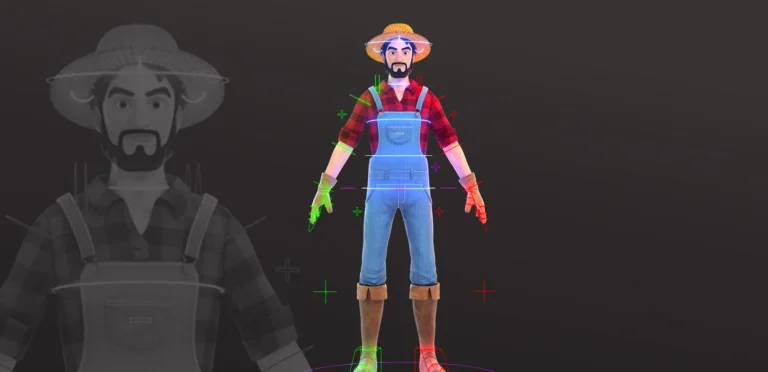
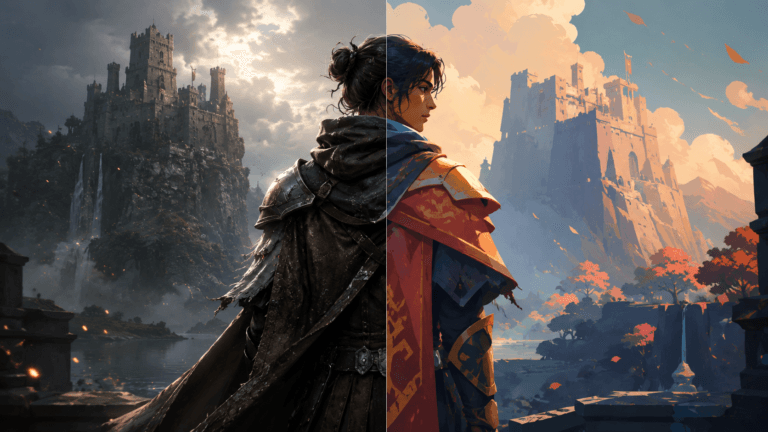
Artificial intelligence has transformed the way artists and developers create visuals. In 2026, AI art generators can produce stunning images, animations, and video content in minutes. They allow creators to explore new styles, generate high-quality content quickly, and experiment with ideas without extensive manual work.
This guide presents the top AI art generator tools of 2026, with detailed descriptions, features, pros, cons, and use cases. Whether you’re a pixel artist, animator, or game developer, these tools will help you create professional visuals efficiently.
Why AI Art Generators Matter
AI tools accelerate creative workflows, reduce repetitive tasks, and expand artistic possibilities. Artists can generate backgrounds, characters, textures, and even animations with minimal effort. AI animation has many advantages, it also democratizes content creation, making high-quality art accessible to game art studios, indie developers, and social media creators.
Read More: Can AI Improve or Hurt Animation Quality?
Key Benefits
- Rapid idea generation and prototyping
- Consistent style across multiple assets
- Integration with game engines, motion graphics, and video production
| AI Tool | Best For | Free Option | Cost |
|---|---|---|---|
| Midjourney | Artistic quality | No | $10/month ($8 yearly) |
| Adobe Firefly | Commercial use | Yes (25 credits/month) | From $5.74/month |
| DALL-E/GPT-4o | Conversational creation | Yes (limited) | ChatGPT Plus $20/month |
| Stable Diffusion | Customization | Yes (self-hosted) | Varies by platform |
| Reve | Prompt accuracy | Yes (20 images/day) | $5 for 500 images (~$0.01 each) |
| Ideogram | Text in images | Yes (10 credits/week) | $8/month |
| Leonardo.AI | Character consistency | Yes (25 tokens) | $5–$20/month |
| Flux.1 | Advanced quality | Platform-dependent | Approx. $0.01 per image |
| Canva AI | Design integration | Yes (50 credits) | $15/month |
| DreamStudio | Easy SD access | Yes (100 credits) | $0.01 per credit |
| Runway | Video creation | Yes (limited) | $12–$28/month |
| DomoAI | Anime & animation | Yes (daily limits) | $10+/month |
| Meta AI | Social media | Yes (100% free) | Free |
| FlexClip | Video editing | Yes (limited features) | $19.99/month |
AI Tools for Pixel Art and Image Generation
Midjourney: The Artist’s Dream
Midjourney remains the go-to tool for stunning, high-quality artwork. Its web-based platform makes generating professional images easier than ever.
Description: Midjourney excels at creating detailed textures, vibrant colors, and complex compositions. Artists can upscale, refine, and reference previous works to improve consistency. Its Draft Mode increases speed while reducing AI animation costs, and the V7 model produces cohesive, realistic imagery.
Why It Stands Out: Ideal for artistic expression, concept art, and stylized imagery.
Considerations: Paid-only platform; lower-tier plans make images public; requires practice to master.
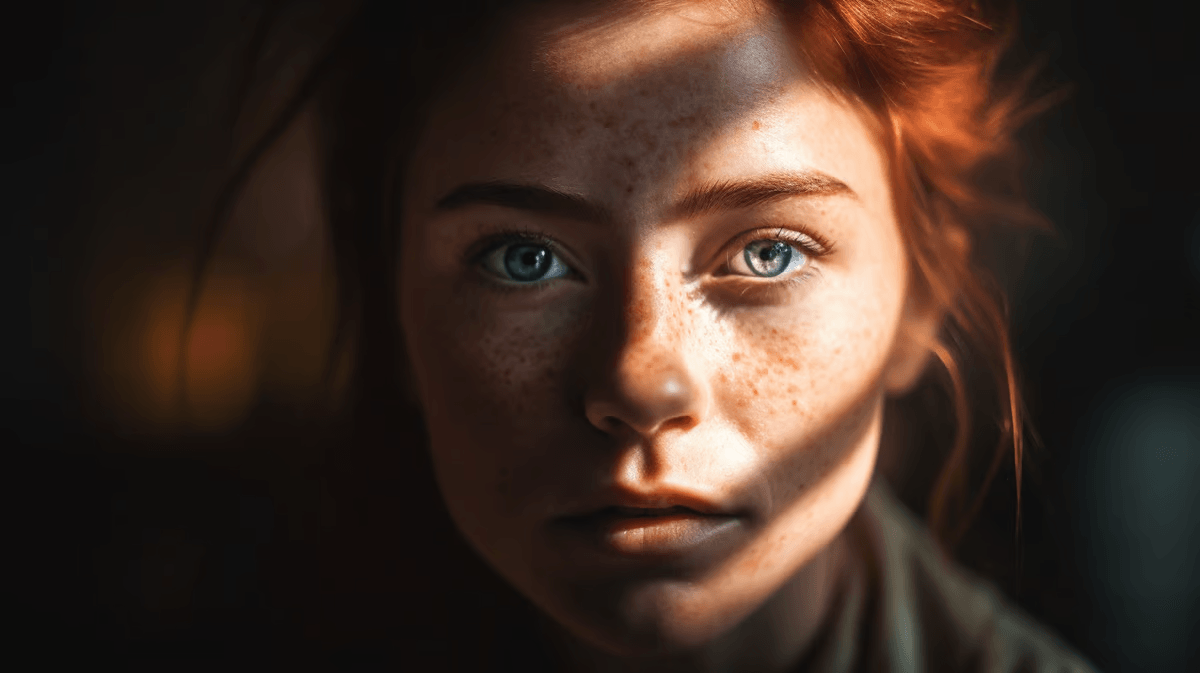
Adobe Firefly: Business-Safe Creation
Adobe Firefly focuses on safe, commercial-ready image generation. Its model uses only approved sources for training, making it reliable for professional use.
Description: The tool allows fine control over depth, camera angles, and art style. It integrates seamlessly with Photoshop and other Adobe apps, offering content credentials for traceability.
Best For: Commercial services, marketing visuals, and professional design workflows.
Limitations: Fewer artistic styles; credit-based system can feel limiting.
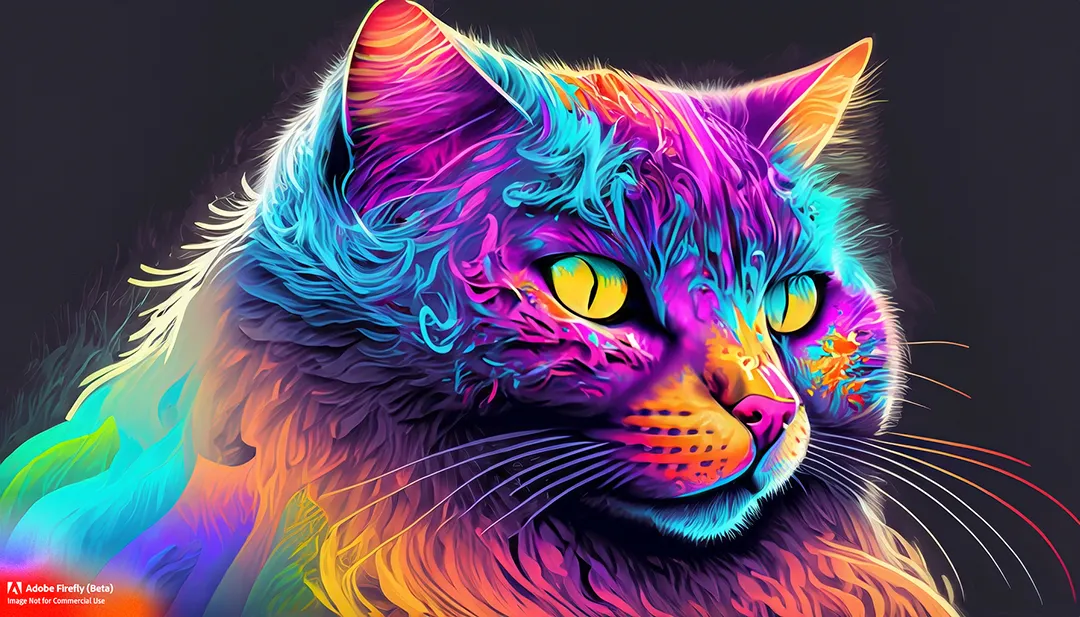
DALL-E/GPT-4o: Conversational AI Generation
OpenAI’s DALL-E combined with GPT-4o allows natural conversation to refine images and includes text integration.
Description: Users can interact conversationally to adjust images, improving composition and text elements. It supports reference images and multiple iterations in one interface.
Use Case: Concept art, social media animated content, AI-driven creative brainstorming.
Limitations: Slower than dedicated generators; fewer manual adjustment options; requires ChatGPT Plus for full capabilities.
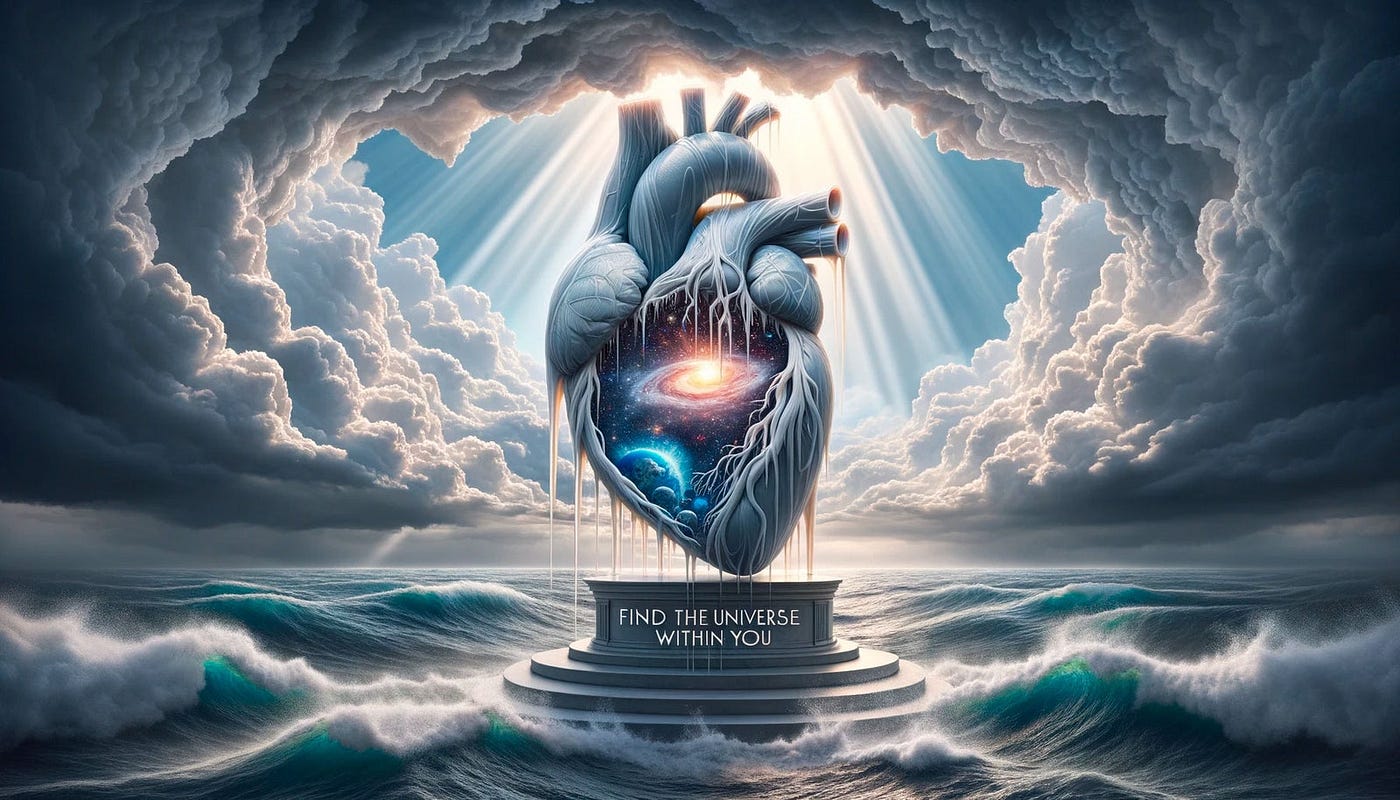
Stable Diffusion: Full Customization
Stable Diffusion offers open-source freedom, letting artists customize models, prompts, and outputs.
Description: Ideal for creators who want total control, privacy, and adaptability. It supports local installations and multiple interfaces, making it flexible for different pipelines.
Pros: Open-source, private images, extensive community resources.
Cons: Requires technical setup; high resource demands; output quality varies with configuration.
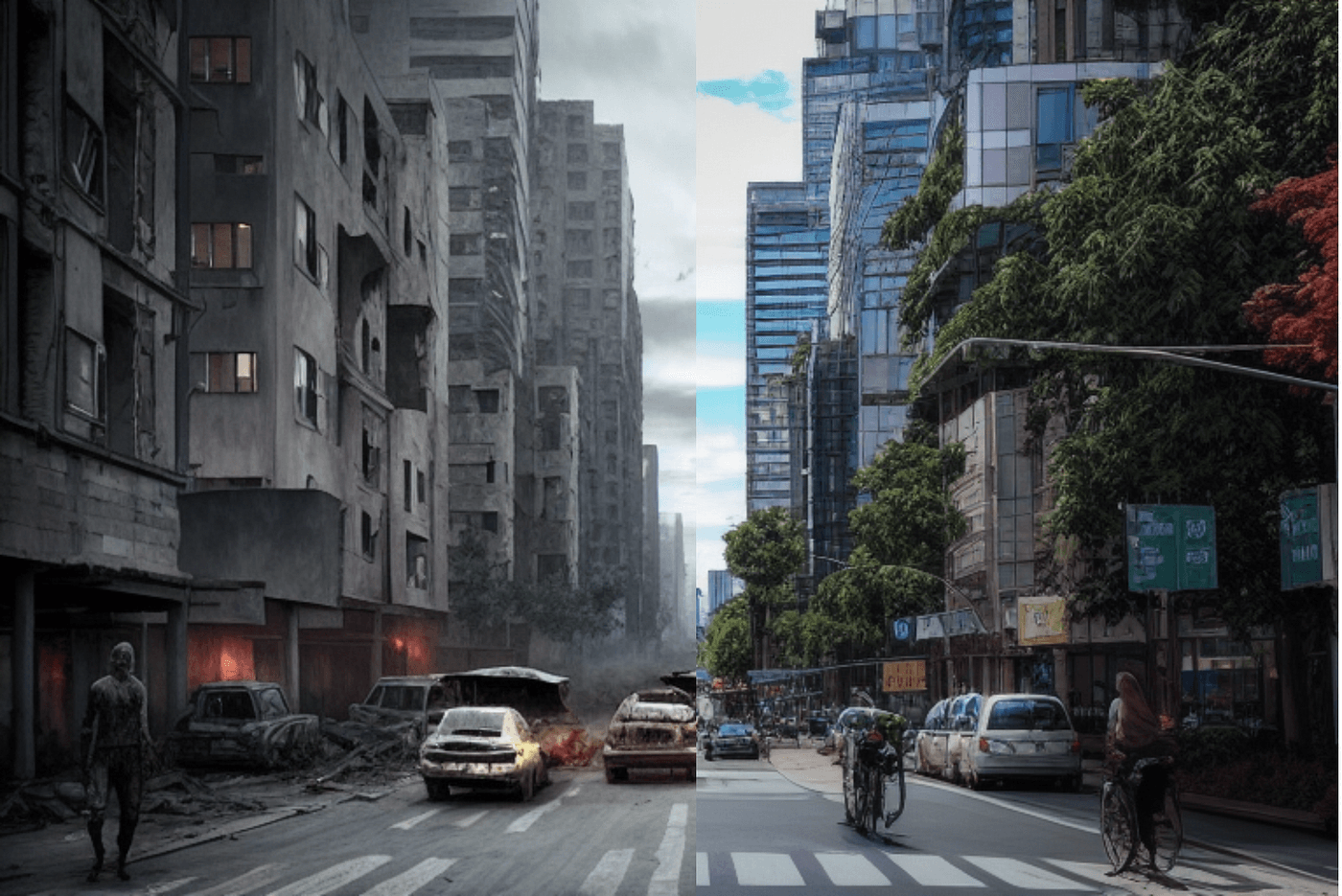
Reve: Precision and Accuracy
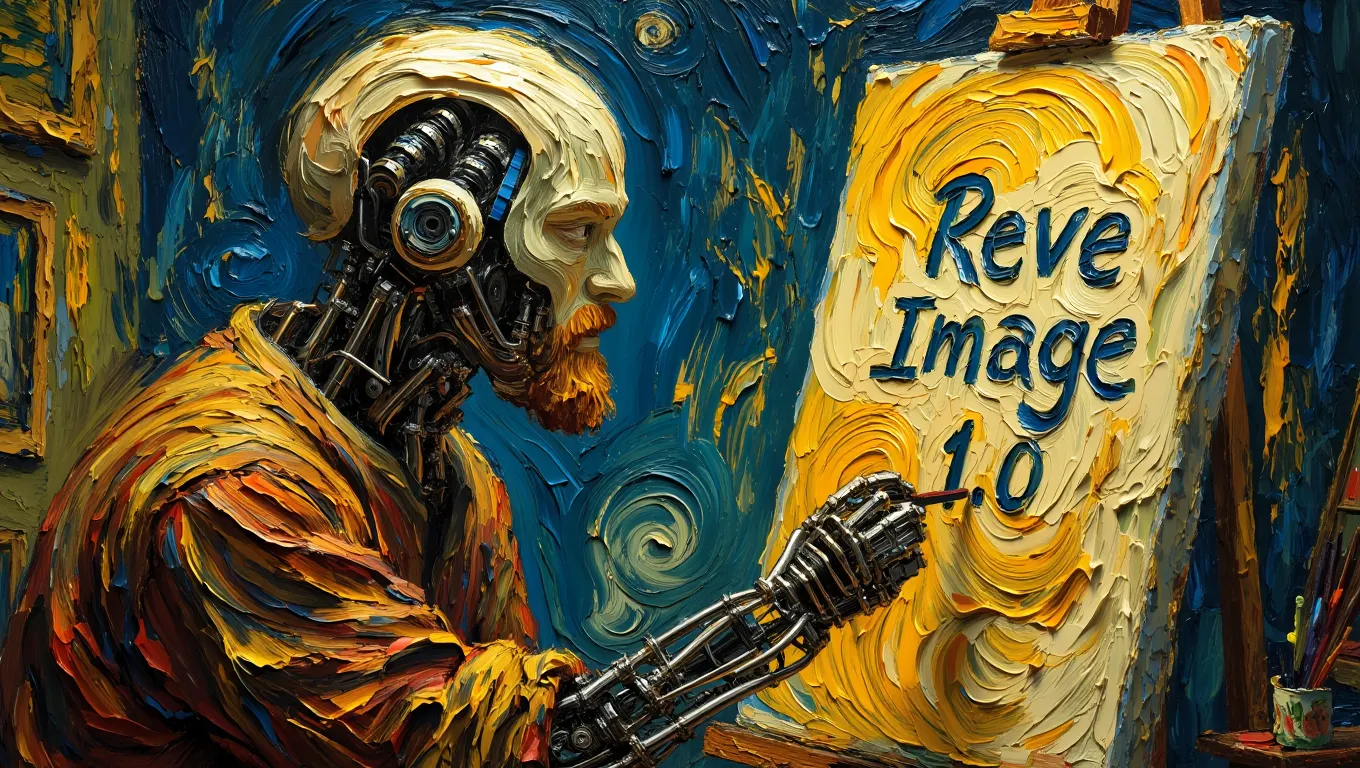
Reve focuses on prompt accuracy and readable text in images, making it ideal for logos and text-based assets.
Description: Offers 20 free daily credits and precise adherence to instructions. Its intuitive interface is beginner-friendly while remaining efficient for rapid generation.
Limitations: Web-only, fewer editing tools, newer platform.
Hybrid AI Tools for Animation and Video
Leonardo.AI: Character Consistency
Leonardo.AI ensures characters remain consistent across poses, frames, and scenes, which is crucial for animation and game asset creation.
Use Case: Concept art, 2D/3D hybrid animation, and consistent character design.
Key Features: Custom model training, reference image integration, free starter tokens.
Limitations: Free images are public; interface can overwhelm beginners.
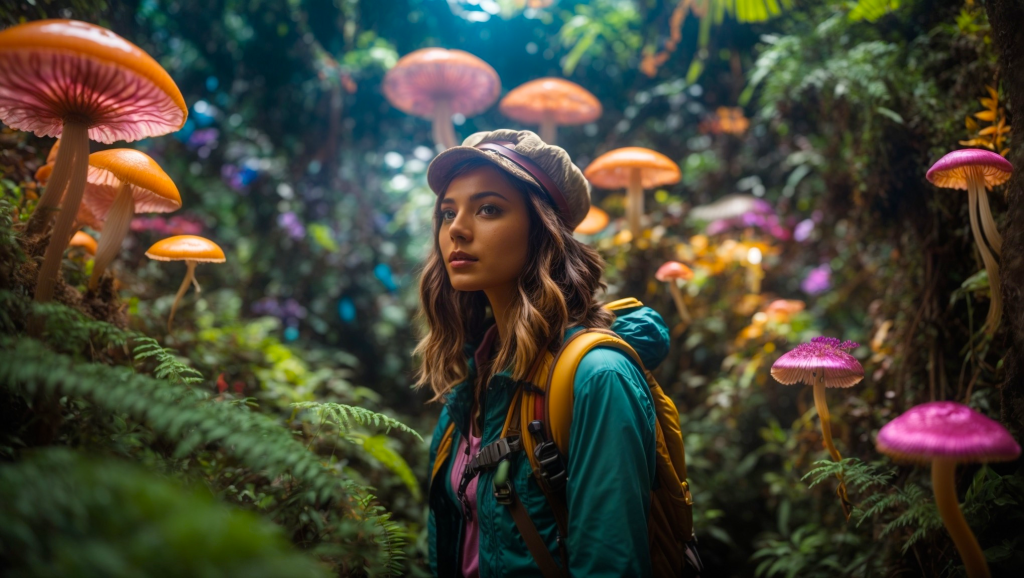
Flux.1: Advanced Open-Source AI
Flux.1 delivers high-quality, detailed images with open-source flexibility. It is favored for complex scenes and multi-element compositions.
Pros: Exceptional detail, supports intricate prompts, multi-platform.
Cons: Often accessed via third-party platforms; technical knowledge recommended.
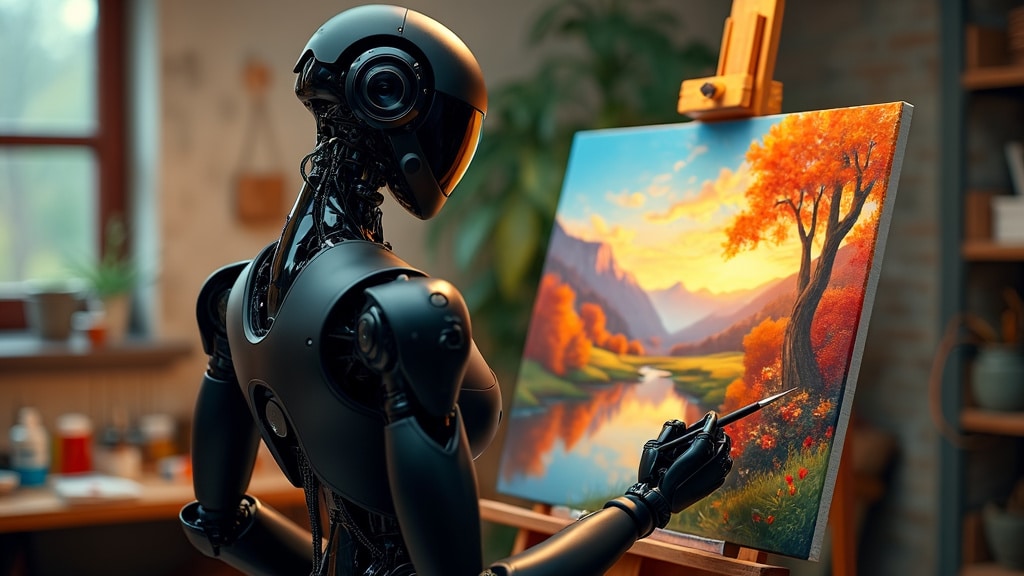
DomoAI: Anime & Character Animation
DomoAI specializes in anime-style animations and images. It maintains consistency across poses and frames for smooth character movement.
Best For: Anime projects, character animation, stylized storytelling.
Limitations: Limited to anime aesthetics; requires stable footage for the best results of the AI in animation.
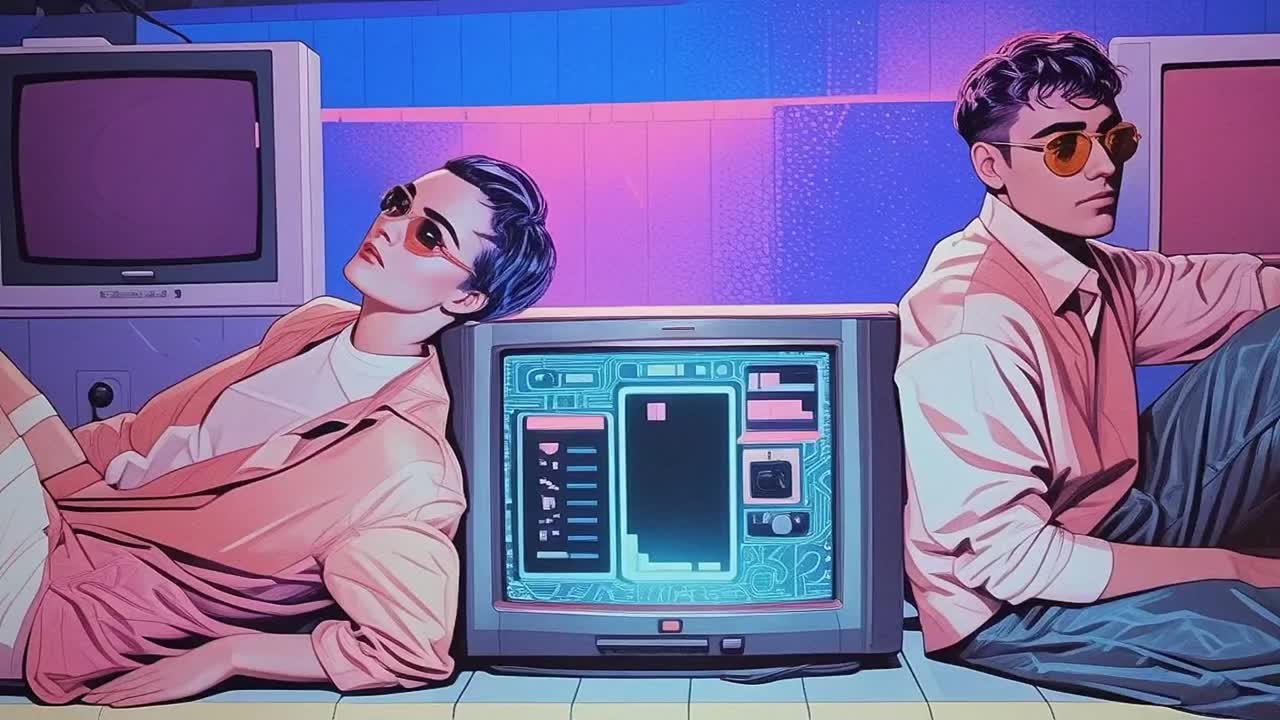
Runway: Video and Motion
Runway combines AI image generation with video creation and inpainting, enabling short clips and animated sequences.
Description: Supports text-to-video, motion brushes, and camera controls. Ideal for indie films, social media videos, and concept testing.
Limitations: Steeper learning curve; rendering high-res videos takes longer.
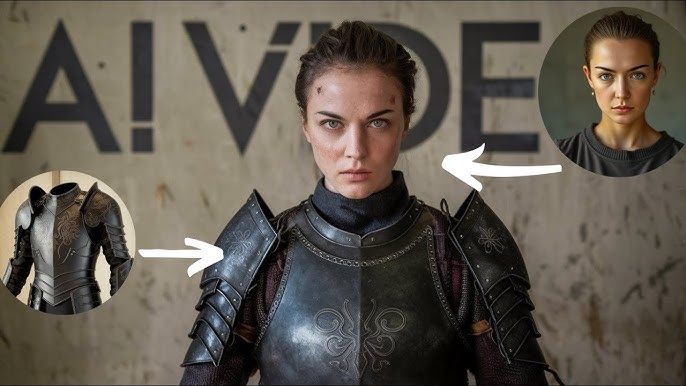
FlexClip: All-in-One Video Editing
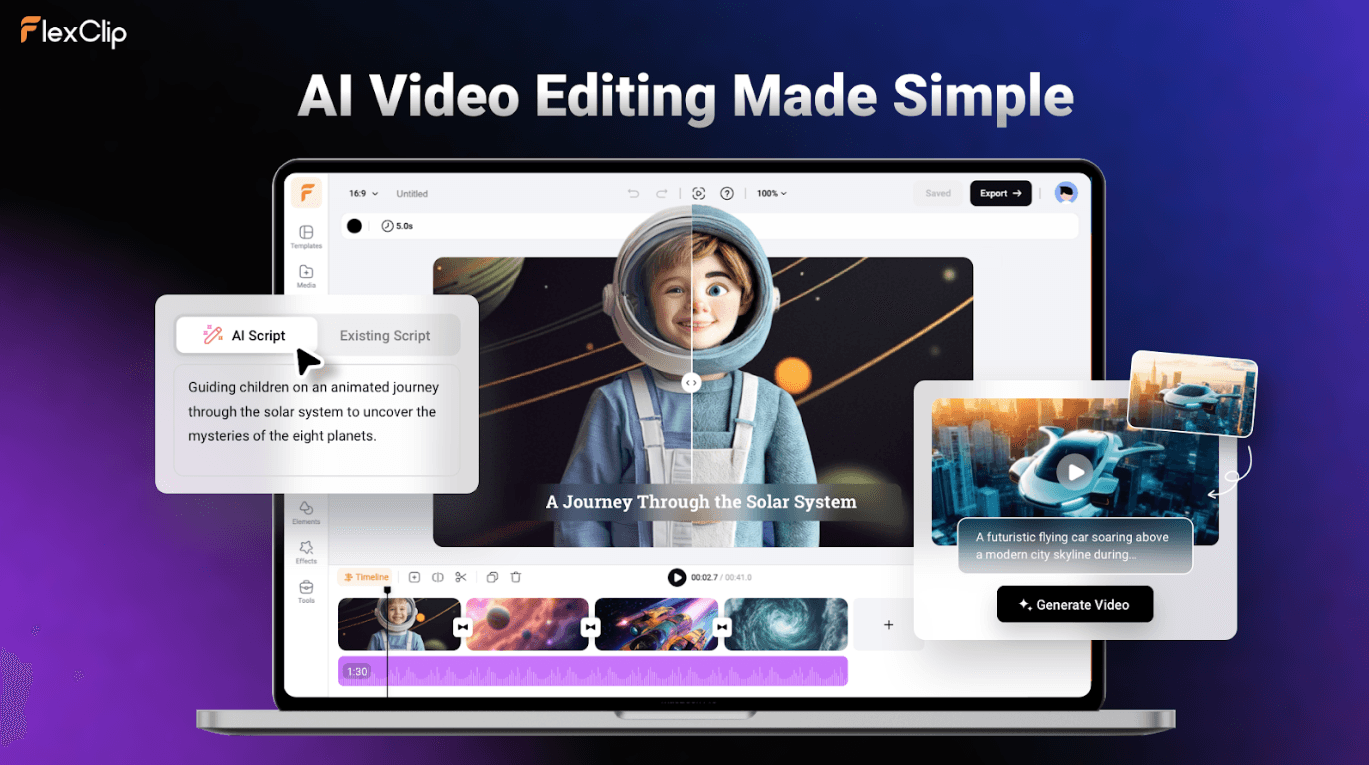
FlexClip integrates AI image and video generation with templates and editing tools for marketers and content creators.
Description: Offers text-to-video, auto subtitles, and drag-and-drop editing. Browser-based with prebuilt templates.
Limitations: Free plan includes watermarks; rendering speed depends on complexity.
Meta AI: Built Into Social Apps
Meta AI allows instant AI generation within Instagram, Facebook, and WhatsApp. It’s convenient for quick social media content.
Features: Fully free, supports animated content, no app installation needed.
Limitations: Small watermark, limited editing, less detail than specialized tools.
How to Choose the Right AI Art Generator
When selecting a tool for AI video production, consider:
Project Type
Determine if you need pixel art, concept art, animation, or social media graphics. Each AI animation tool specializes in different output types.
Style and Control
Some tools offer artistic freedom (Midjourney, Stable Diffusion), while others focus on safe, professional outputs (Adobe Firefly). You can also read more about how AI is transforming animation.
Budget and Accessibility
Free tiers may suffice for experimentation, but advanced features often require subscriptions. Check if you need local installation or browser access.
Integration and Workflow
Consider if the tool integrates with existing animation pipelines, such as Photoshop, Blender, or video editing software.
Conclusion
AI art generator tools in 2026 have advanced remarkably. They allow artists, developers, and creators to produce high-quality images, animations, and videos in a fraction of the time traditional methods require. Midjourney leads in artistic quality, Adobe Firefly ensures business-safe content, and tools like Leonardo.AI and DomoAI specialize in character consistency and anime animation.
Experimenting with multiple tools allows you to combine strengths and optimize your workflow. Whether generating pixel art, 3D-inspired renders, animated sequences, or social media visuals, these AI generators empower creators to achieve professional results efficiently.