I animation tools are transforming the way creators, studios, marketers, and game developers produce animated content. From text-to-video generation and AI motion capture to automated lip-syncing and character animation, modern AI animation software can dramatically reduce production time and simplify complex animation workflows.
Today, AI tools are used for everything from social media videos and marketing content to 2D animation, 3D animation, motion capture, and virtual character creation. Whether you’re an independent creator or a professional animation studio, AI-powered software can help accelerate production while reducing repetitive tasks.
However, not all AI animation tools are created equal. Some focus on AI video generation, while others specialize in motion capture, avatar animation, character rigging, or automated editing. Pricing can also vary significantly. Some tools offer generous free plans, while others use credit-based systems where a single video may consume dozens of credits. Paid plans typically range from around $10 per month to over $250 per month depending on rendering limits, export quality, and commercial usage rights.
In this guide, we’ll compare the best AI animation tools available today, explore their features and pricing, and help you choose the right AI animation software for your workflow.
How AI Is Changing Animation Production
Artificial intelligence is rapidly transforming animation workflows across the industry. Tasks that once required hours or even days of manual work can now be completed in minutes using AI-assisted systems.
One of the biggest changes is the rise of text-to-video generation. Platforms such as Google Veo, Sora, Runway, and PixVerse allow users to generate animated sequences directly from written prompts.
AI is also improving character animation through automated motion capture, facial animation, and lip-syncing technologies. Tools such as DeepMotion and Krikey allow creators to generate character movement without expensive motion capture equipment.
In addition, AI-assisted editing, cleanup, inbetweening, and content repurposing tools are helping animation studios accelerate production while maintaining creative control.
AI Animation Tools Comparison
| Tool | Best For | Starting Price | Free Plan | Category |
|---|---|---|---|---|
| Google Veo | AI video generation | $19.99/month | No | Text-to-video |
| Runway | Professional AI video creation | $12/month | Yes | AI video |
| Sora | Cinematic storytelling | $20/month | No | AI video |
| Adobe Animate + Firefly | Professional 2D animation | $9.99/month | Trial | AI-assisted animation |
| Animaker | Explainer videos | $15/month | Yes | Business animation |
| HeyGen | AI avatars | $29/month | Yes | Avatar animation |
| DeepMotion | AI motion capture | $9/month | Yes | Mocap |
| Vyond | Corporate training videos | $58/month | No | Business animation |
| Krikey AI | 3D avatars | $15/month | Yes | 3D animation |
| Revid AI | Social media videos | $39/month | Limited | AI video |
| PixVerse | Viral video effects | Credit-based | Yes | AI video |
11 Must-Know AI Animation Tools
The AI animation software market is evolving rapidly, with new tools appearing every year. Some focus on text-to-video generation, while others specialize in motion capture, avatar creation, lip-syncing, character animation, or automated editing.
To help you find the right solution, we’ve reviewed 11 of the best AI animation tools available today. Each platform offers different strengths, pricing models, and workflows, making them suitable for different types of creators and animation production pipelines.
1. Google Veo 3 AI Animation Tool
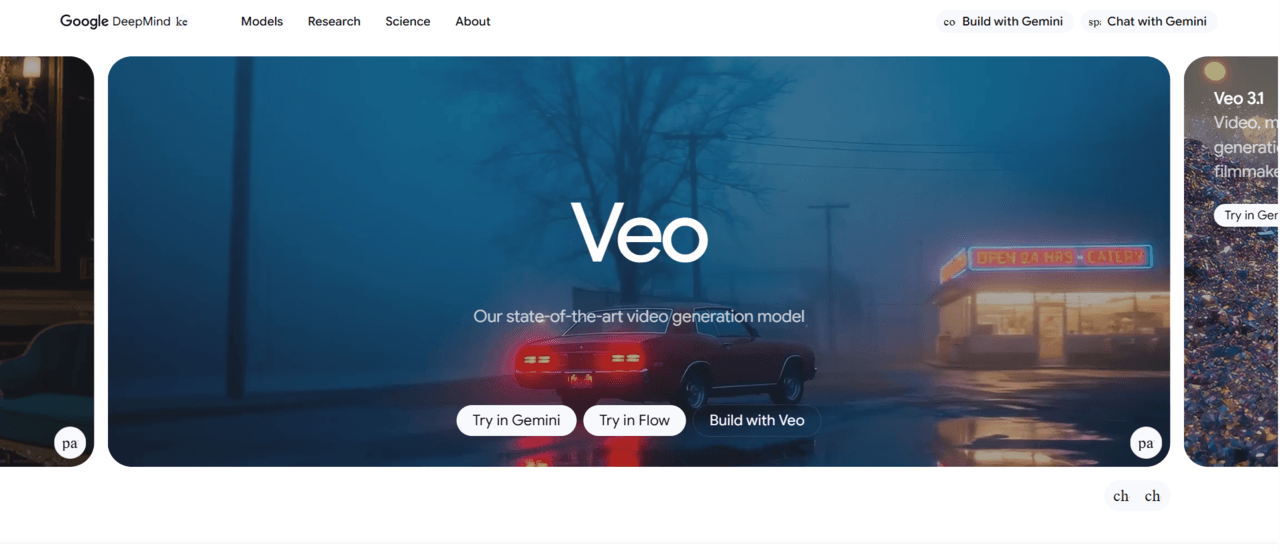
Google Veo 3 is one of the most advanced AI video generation tools currently available. Developed by Google DeepMind, Veo focuses on creating high-quality videos from text prompts while maintaining realistic motion, strong scene consistency, and cinematic camera movement. Unlike many AI video tools that generate only short clips, Veo is designed to produce more coherent and story-driven sequences.
The platform is particularly useful for filmmakers, advertisers, content creators, and AI animation studios looking to accelerate pre-production, storyboarding, and video creation workflows. Veo can generate environments, character actions, and complex camera shots that would normally require significant production resources.
Key Features
Veo supports text-to-video generation, image-to-video workflows, cinematic camera controls, realistic physics simulation, advanced scene consistency, and high-quality visual generation. It can create dynamic shots, detailed environments, and visually impressive sequences directly from written prompts.
Pricing
Google Veo is typically available through Google’s premium AI subscriptions, with plans starting around $19.99 per month depending on region and access level.
Best For
Filmmakers, creative agencies, marketers, content creators, and studios looking for high-quality AI-generated video production.
Limitations
Although Veo produces impressive results, creators still have limited frame-by-frame control compared to traditional animation pipelines. Multiple generations may be required to achieve precise creative outcomes.
2. Runway Gen-4 AI Animation Tool
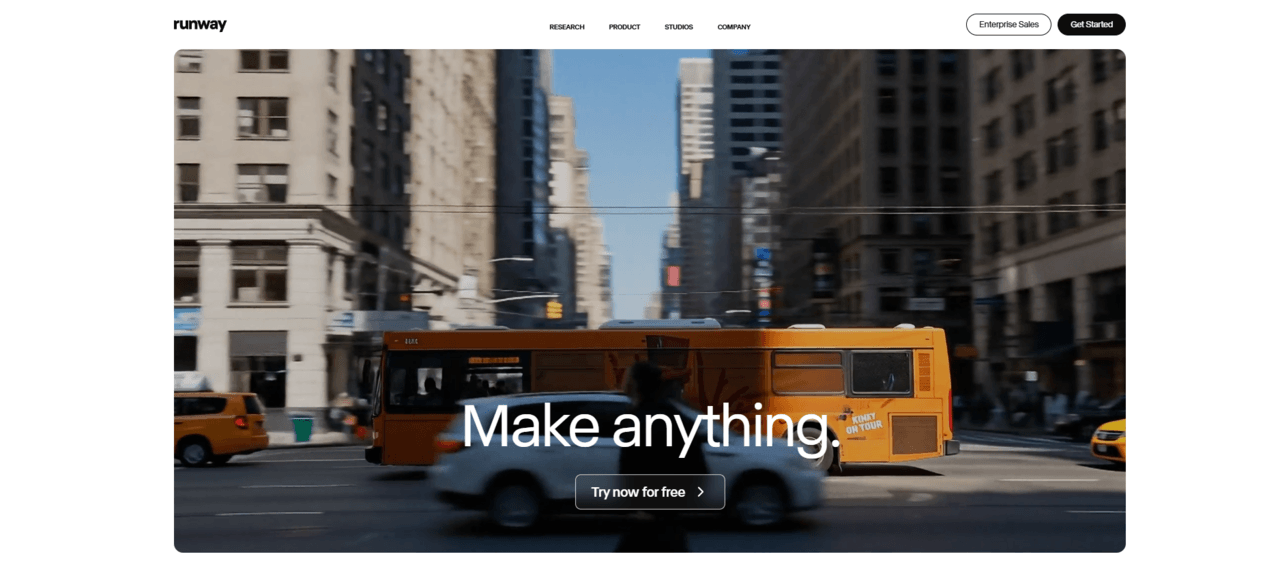
Runway has established itself as one of the leading AI video animation software platforms on the market. It combines AI video generation, editing, visual effects, and production tools into a single workflow. The platform has become particularly popular among creators who need professional-quality video content without relying on traditional animation or VFX pipelines.
Runway’s AI models allow users to generate videos from text prompts, transform images into animations, remove objects from footage, and extend existing videos. Because of its broad feature set, it is commonly used by content creators, advertising agencies, filmmakers, and social media teams.
Key Features
Runway offers text-to-video generation, image-to-video conversion, video extension tools, AI-powered editing, object removal, background replacement, motion tracking, and visual effects generation.
Pricing
Runway provides a free plan with limited credits. Paid subscriptions typically start around $12 per month and increase depending on usage requirements.
Best For
Professional content creators, video editors, agencies, and production teams.
Limitations
Heavy usage can consume credits quickly, making larger projects more expensive than initially expected.
3. Sora 2 AI Animation Tool
Sora is OpenAI’s AI video generation model designed to create highly realistic and cinematic video sequences from text prompts. It focuses heavily on storytelling, scene continuity, environmental realism, and believable motion.
Unlike many AI video generators that struggle with complex actions, Sora is capable of generating scenes with multiple subjects, sophisticated camera movement, and detailed interactions between characters and environments. This makes it particularly useful for concept development, visualization, and creative experimentation.
As AI video technology continues evolving, Sora represents one of the most significant advances in text-to-video generation.
Key Features
Sora supports text-to-video generation, cinematic storytelling, realistic environments, advanced motion simulation, long-form scene generation, and complex action sequences.
Pricing
Access is generally provided through specific ChatGPT subscription plans and OpenAI offerings.
Best For
Storytelling, creative ideation, cinematic content, concept visualization, and pre-production.
Limitations
Direct editing controls remain more limited than traditional animation and video production software.
4. Adobe Animate + Firefly
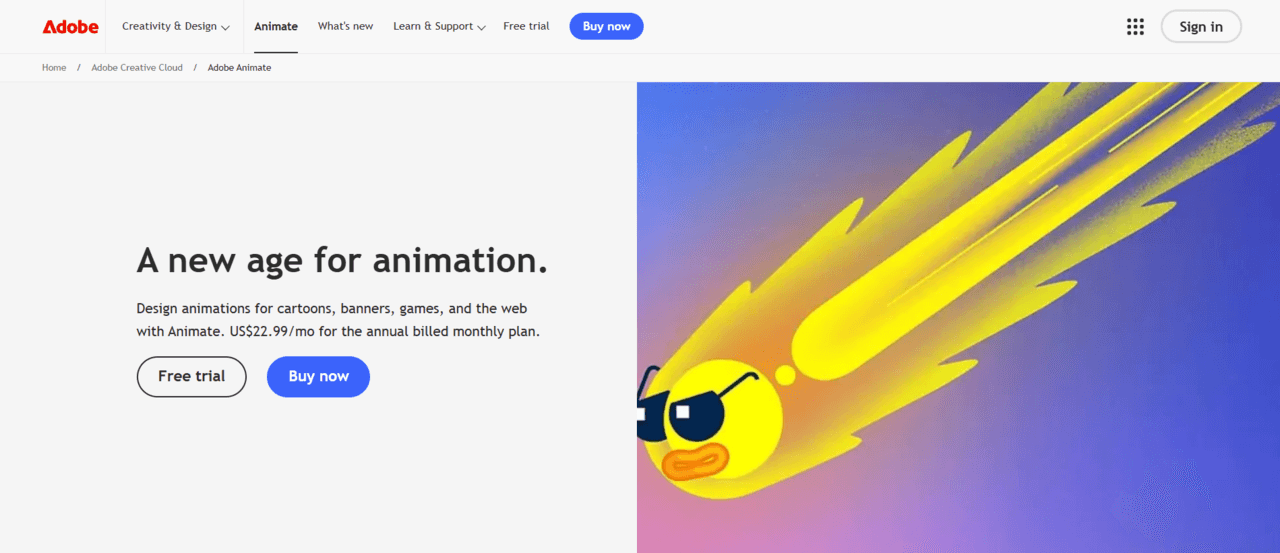
Adobe Animate combines traditional animation production with AI-powered creative assistance through Firefly. Rather than replacing animators, Adobe focuses on helping artists work faster by automating repetitive tasks and generating assets through AI.
This combination is particularly valuable for professional animation studios and motion designers who want to improve productivity without sacrificing creative control. Because Adobe Animate is already a well-established animation tool, Firefly serves as a powerful enhancement rather than a replacement.
Key Features
AI-assisted asset generation, vector illustration creation, generative fill, image generation, character design assistance, and Creative Cloud integration.
Pricing
Adobe Animate plans start around $9.99 per month, while Firefly capabilities are included within various Creative Cloud subscriptions.
Best For
Professional animators, designers, motion graphics artists, and existing Adobe users.
Limitations
Adobe’s AI tools focus more on workflow acceleration than fully automated animation generation.
5. Animaker AI Animation Tool
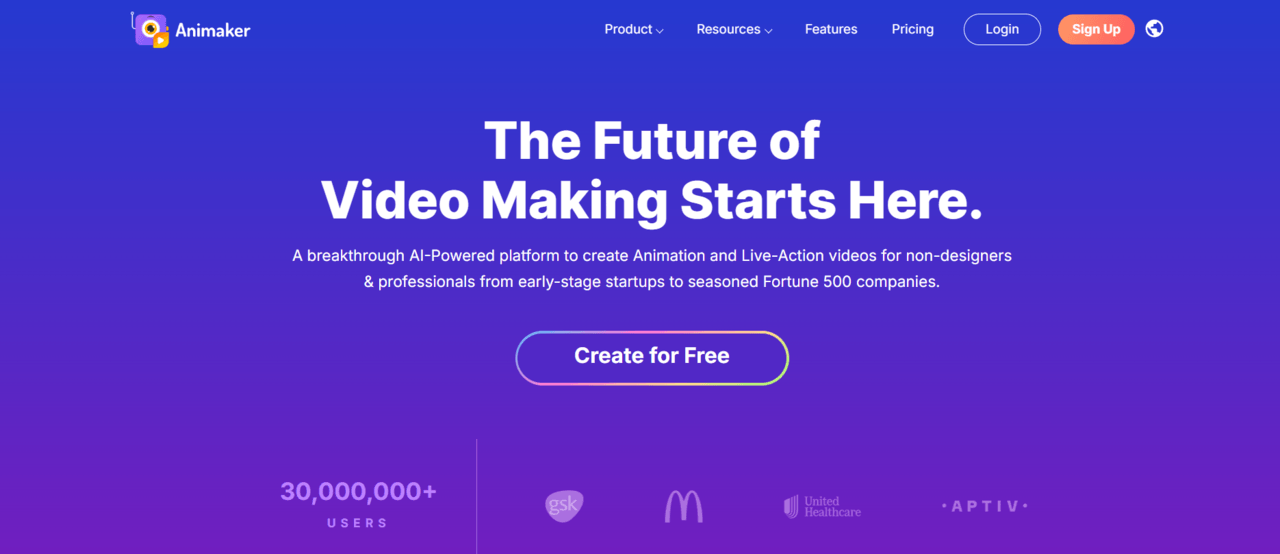
Animaker is a cloud-based animation platform designed for businesses, educators, and marketers who need professional-looking animated videos without advanced animation skills. The platform uses templates, AI art tools, and drag-and-drop workflows to simplify video creation.
Because of its accessibility, Animaker has become a popular choice for explainer videos, presentations, training content, and social media animated content marketing.
Key Features
Character creators, drag-and-drop animation, AI voiceovers, template libraries, presentation tools, and automated video creation.
Pricing
Animaker offers a free plan and paid subscriptions starting at approximately $15 per month.
Best For
Businesses, startups, educators, and marketing teams.
Limitations
The platform lacks the flexibility and artistic freedom required for advanced animation production.
6. HeyGen AI Animation Tool
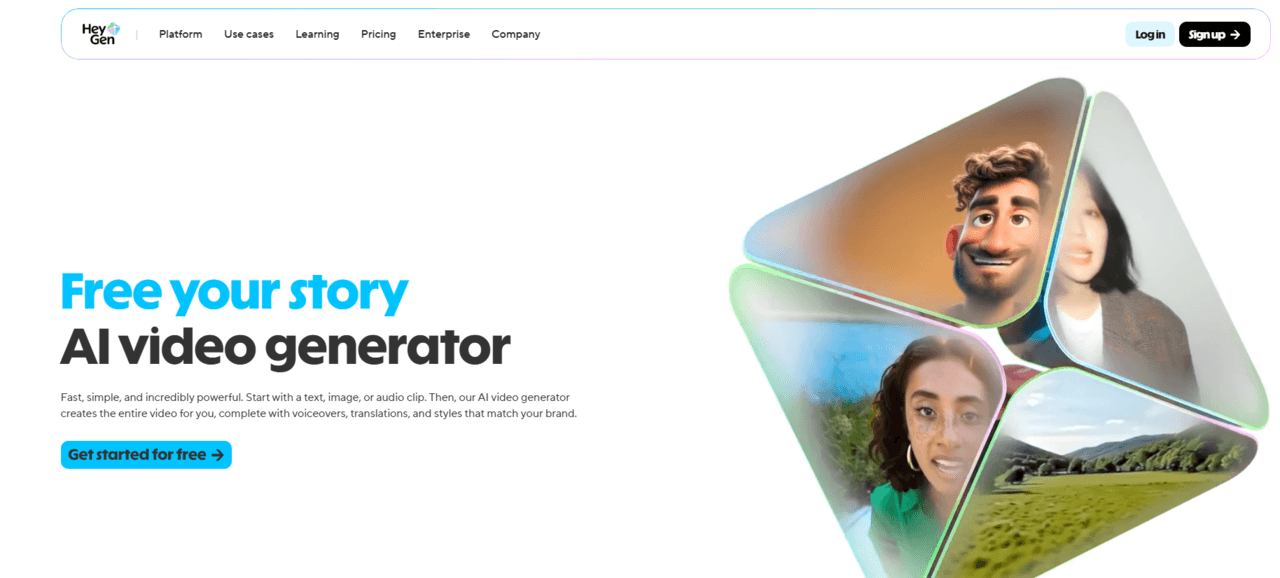
HeyGen specializes in AI avatar generation and presentation videos. It allows users to create realistic virtual presenters that can speak multiple languages with synchronized lip movements.
This makes HeyGen particularly useful for training videos, educational animated content, corporate communications, and marketing campaigns.
Key Features
AI avatars, text-to-speech generation, multilingual voice support, automatic lip-syncing, and presentation video creation.
Pricing
Paid plans typically start around $29 per month, with limited free access available.
Best For
Corporate communication, training materials, educational content, and marketing.
Limitations
The platform is primarily focused on talking avatars rather than full animation production.
7. DeepMotion AI Animation Tool
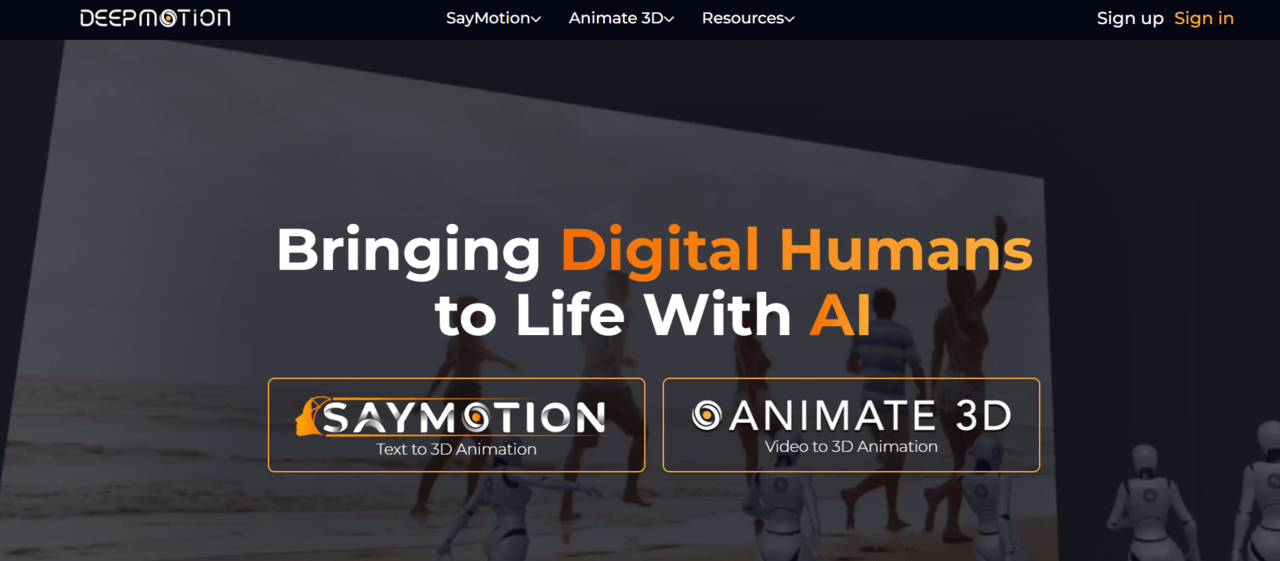
DeepMotion is one of the most powerful AI motion capture tools available today. It allows creators to convert ordinary video footage into usable character animation data without expensive mocap suits or dedicated hardware.
This capability makes DeepMotion highly attractive for game developers, 3D animators, and indie game art studios that need motion capture on a budget.
Key Features
Markerless motion capture, video-to-animation conversion, body tracking, character retargeting, and motion export for major 3D software.
Pricing
DeepMotion offers a free tier and paid plans starting around $9 per month.
Best For
Game developers, 3D animators, indie studios, and character animation workflows.
Limitations
Complex motions sometimes require cleanup after export for professional production use.
8. Vyond AI
Vyond is a business-focused animation platform designed for corporate training, educational content, and internal communications. Rather than targeting entertainment production, Vyond focuses on helping organizations create professional animated content quickly.
Its template-driven workflow allows non-animators to create presentations, training modules, onboarding videos, and explainer content with minimal technical knowledge.

Key Features
Business animation templates, AI-assisted script generation, character animation, corporate storytelling, and training video creation.
Pricing
Plans typically start around $58 per month.
Best For
Businesses, HR departments, educational institutions, and corporate communication teams.
Limitations
Not suitable for high-end entertainment animation or cinematic storytelling projects.
9. Krikey AI
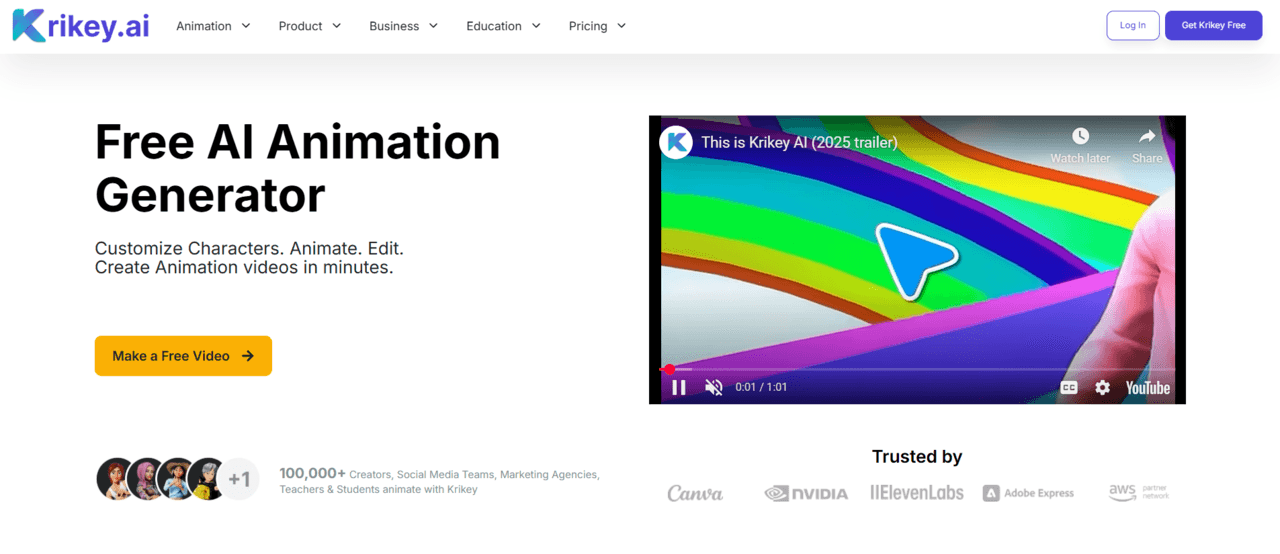
Krikey AI is one of the few AI animation tools specifically focused on character animation. The platform allows users to create animated 3D avatars, generate movements from text prompts, and build complete character-driven videos without traditional animation experience.
Unlike many AI video generators, Krikey concentrates on avatars, gestures, lip-syncing, and character performance. This makes it useful for educational content, marketing campaigns, virtual presenters, and game-related projects.
The platform has become increasingly popular among creators looking for a simple way to create animated characters without building custom rigs or animation systems.
Key Features
3D avatar creation, text-to-animation generation, automatic lip-syncing, AI voice integration, gesture animation, character customization, and scene-building tools.
Pricing
Krikey offers a free plan, while paid subscriptions start at approximately $15 per month depending on feature access and credit usage.
Best For
Educators, marketers, content creators, game developers, and character-based storytelling projects.
Limitations
Customization is largely limited to the platform’s avatar ecosystem, making it less suitable for highly customized productions.
10. Revid AI Animation Tool
Revid AI focuses on automating short-form video production for social media platforms. The platform is designed to help creators quickly transform scripts, articles, URLs, and ideas into engaging video content.
Its automation capabilities make it attractive for YouTube animation ideas, TikTok, Instagram Reels, and other short-form content formats where speed and consistency are important.

Key Features
Script-to-video generation, AI editing, subtitle creation, automated content repurposing, social media optimization, and video automation tools.
Pricing
Revid AI plans generally start around $39 per month depending on usage limits and available features.
Best For
Social media creators, marketers, agencies, and content teams.
Limitations
The platform focuses primarily on content automation rather than professional animation production or character animation.
11. PixVerse AI Animation Tool
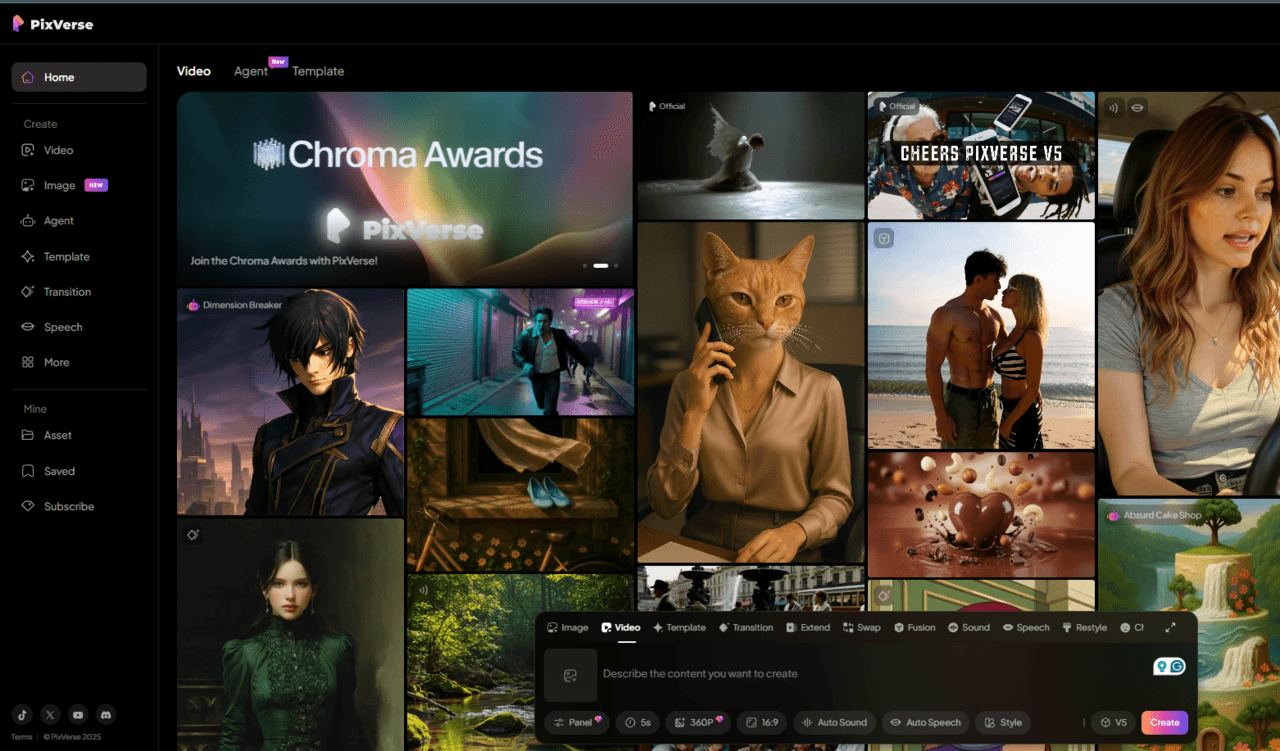
PixVerse is an AI video generation platform that has gained popularity for creating highly stylized and visually engaging content. It is particularly popular among social media creators who need eye-catching videos for viral animated marketing campaigns and online content.
The platform emphasizes speed, ease of use, and visual impact, making it attractive for creators looking to produce attention-grabbing videos quickly.
Key Features
Text-to-video generation, image-to-video conversion, stylized visual effects, AI transitions, and social-media-focused content creation.
Pricing
PixVerse uses a credit-based system and provides free credits for new users. Additional credits can be purchased through various subscription plans.
Best For
Social media content creators, marketers, agencies, and experimental video projects.
Limitations
Frequent video generation can consume credits rapidly, increasing costs for large-scale production workflows.
How Much Does AI Animation Cost?
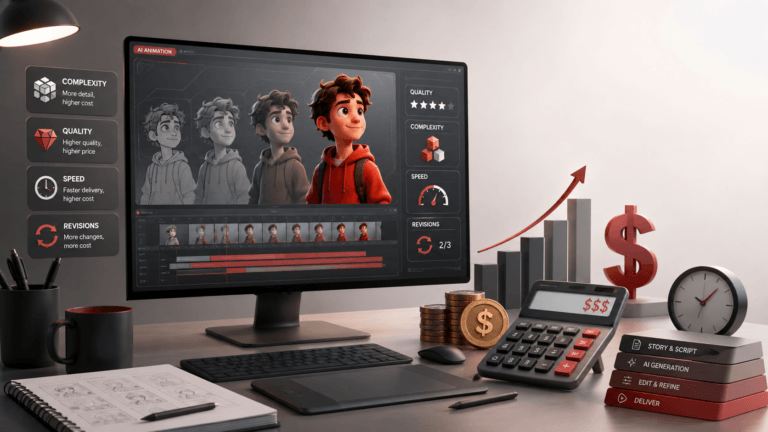
One of the biggest advantages of AI animation software is affordability. Traditional animation projects often cost thousands of dollars per minute, while AI-powered tools typically operate through monthly subscriptions or credit-based systems.
Entry-level AI animation software usually ranges from $10 to $30 per month. Mid-range tools with professional features typically cost between $30 and $100 per month. Enterprise-level platforms and advanced AI video generators can exceed $200 per month depending on usage limits and rendering capacity.
The final AI animation cost largely depends on the type of animation being produced. AI avatar generators, motion capture tools, and AI video generators often use very different pricing models.
AI Animation Software for 2D Animation
While many AI animation tools focus on video generation, some platforms assist with traditional 2D animation workflows. 2D animation software like Adobe Animate, Toon Boom Harmony, and OpenToonz increasingly incorporate AI-powered features that help automate repetitive tasks such as cleanup, coloring, interpolation, and asset organization.
These tools are often preferred by professional animators because they maintain artistic control while still benefiting from AI-assisted productivity improvements.
AI Animation Software for 3D Animation
AI is also transforming 3D animation workflows through automated motion capture, physics simulation, procedural animation, and character generation.
Platforms such as DeepMotion, Krikey AI, and Cascadeur help artists create animation faster while reducing the need for expensive hardware and lengthy manual processes.
For game development and game trailer production, AI-assisted 3D animation tools are becoming increasingly valuable as production demands continue growing.
Conclusion
AI animation tools are making animation faster, more accessible, and more affordable than ever before. From AI video generators like Google Veo, Runway, and Sora to character animation platforms such as Krikey and DeepMotion, these tools can help creators streamline production and bring ideas to life with less manual work.
While AI can automate many parts of the animation process, creativity, storytelling, and artistic direction still rely on human talent. The best approach is to use AI as a tool that enhances your workflow rather than replaces it.
As AI technology continues to evolve, animation software will become even more powerful, giving creators, studios, and businesses new ways to produce high-quality animated content faster than ever before.



![1405,02,10 SnpLE[Cover HD] 1](https://pixune.com/wp-content/uploads/2026/08/14050210-SnpLECover-HD-1-768x431.jpg)