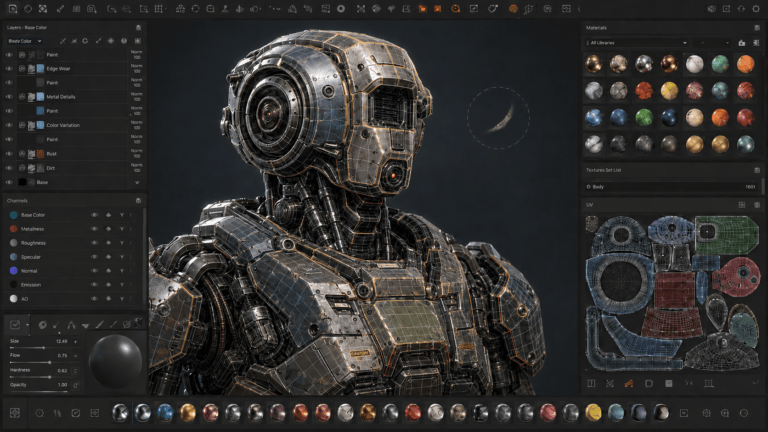
Choosing the right 3D software can have a major impact on your workflow, especially when you are deciding between two of the industry’s most established applications: Autodesk Maya and Autodesk 3ds Max.
Both programs can handle 3D modeling, animation, rendering, materials, and visual effects. They also support scripting, plugins, and modern production standards such as OpenUSD. However, their strengths and typical workflows are different.
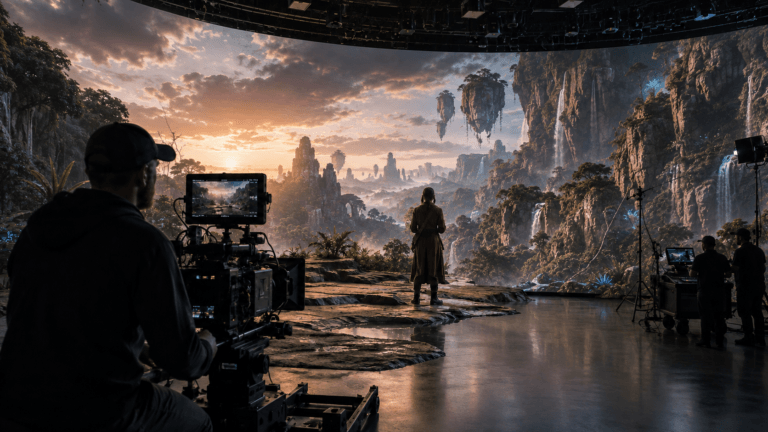
Maya has a particularly strong reputation for character animation, rigging, visual effects, and film and television production. 3ds Max is widely used for modeling, design visualization, architectural visualization, and game development. Autodesk itself describes Maya as software for 3D animation, modeling, simulation, and rendering for film, games, and TV, while 3ds Max is positioned around 3D modeling, animation, and rendering for games and design visualization.
So, which one should you learn or use? There is no universal winner. The better choice depends on the type of 3D work you want to produce.
What Is Autodesk Maya?
Autodesk Maya is a professional 3D application used for modeling, rigging, animation, simulation, rendering, and visual effects.
Maya is particularly well known for character-focused production. Its toolset includes keyframe animation, nonlinear animation, motion capture, HumanIK retargeting, skinning, deformers, and advanced rigging workflows. Current versions also include AI-assisted MotionMaker, which can generate character motion that artists can then refine.
Maya also includes Bifrost for procedural effects and simulations, including effects such as explosions and ocean surfaces. It integrates with Arnold for rendering and supports OpenUSD workflows for production collaboration. Because of this combination of animation, rigging, effects, and pipeline capabilities, Maya is frequently considered when the project depends heavily on characters and animation.
Read More: Maya vs. Blender
What Is Autodesk 3ds Max?
Autodesk 3ds Max is a professional 3D modeling, animation, rendering, and visualization application.
3ds Max has a strong reputation for 3D modeling and design visualization. Its toolset includes polygon and spline modeling, Smart Extrude, Boolean workflows, retopology, a modifier stack, PBR materials, and an integrated Arnold renderer.
It also provides character animation tools through CAT and Biped, procedural animation capabilities, Particle Flow, realistic fluid simulation, and a large plugin ecosystem. This makes 3ds Max particularly useful when modeling, visualization, and flexible scene construction are major parts of the workflow.
Maya vs 3ds Max: Key Differences
At a high level, both applications overlap considerably. You can model characters in 3ds Max, animate in 3ds Max, and create game assets with it. You can also model environments and props in Maya. The difference is more about workflow, specialization, and ecosystem than basic capability.
| Feature | Maya | 3ds Max |
|---|---|---|
| 3D Modeling | Excellent | Excellent |
| Character Animation | Excellent | Very Good |
| Rigging | Excellent | Very Good |
| VFX & Simulation | Excellent | Very Good |
| Game Development | Excellent | Excellent |
| Architectural Visualization | Good | Excellent |
| Hard-Surface Modeling | Excellent | Excellent |
| Procedural Workflows | Excellent | Excellent |
| Rendering | Arnold | Arnold |
| Scripting | Python, MEL | Python, MaxScript |
| Plugin Ecosystem | Extensive | Extensive |
| OpenUSD | Supported | Supported |
| Learning Curve | Generally steeper | Generally easier for many modeling workflows |
1. Maya vs 3ds Max for 3D Modeling
Both Maya and 3ds Max are capable modeling applications, so choosing between them for modeling alone can be difficult. Maya provides polygon, subdivision, and NURBS modeling tools, along with UV editing, sculpting, and workflows designed for creating characters, props, and environments.
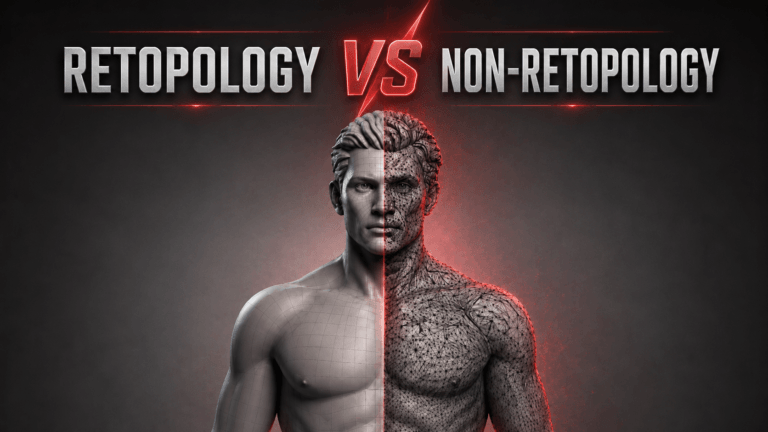
3ds Max is particularly strong for polygon and hard-surface modeling. Its modifier stack allows artists to make non-destructive changes to geometry, while tools such as Smart Extrude and ReForm retopology help accelerate common modeling tasks.
For architectural objects, manufactured products, environments, and hard-surface assets, many artists prefer the workflow in 3ds Max. For character-oriented modeling that will continue into a rigging and animation pipeline, Maya can be a more natural choice.
Winner: It depends on the modeling type. 3ds Max has a particularly strong workflow for hard-surface and design-oriented modeling, while Maya is especially well suited to character and animation pipelines.
2. Maya vs 3ds Max for Animation
This is one of the biggest differences between the two applications.
Maya has a particularly extensive animation toolset. It supports keyframe animation, motion capture, nonlinear animation, retargeting, deformers, the Graph Editor, Time Editor, and advanced rigging workflows. Current Maya versions also include MotionMaker for AI-assisted motion generation and Machine Learning Deformer for accelerating complex character deformation.
3ds Max also provides strong animation capabilities. CAT and Biped provide character animation and rigging systems, while animation controllers, motion paths, and procedural tools support different animation workflows. However, if character animation is the central focus of a project, Maya generally has the stronger reputation and broader animation-oriented workflow.
Winner: Maya.
3. Maya vs 3ds Max for Rigging
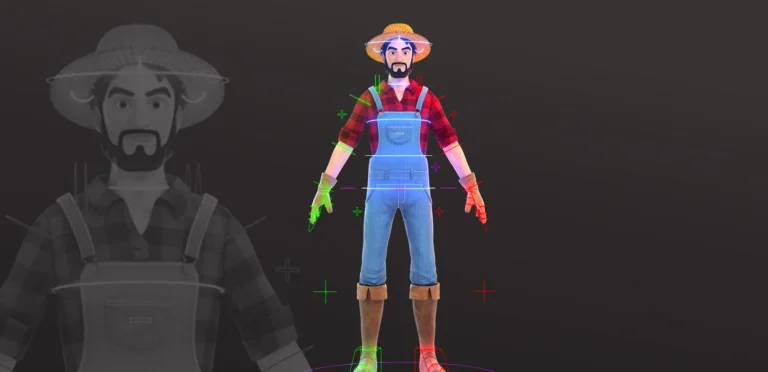
Rigging is another area where Maya has a significant advantage for many character-production workflows. Maya provides skeletons, skinning, deformers, HumanIK retargeting, advanced skin tools, and a wide range of tools for building and managing character rigs.
3ds Max includes CAT and Biped as built-in character animation and rigging systems and can handle sophisticated character setups. For studios producing large numbers of animated characters or highly customized character rigs, Maya’s ecosystem and animation-focused workflow make it a common choice.
Winner: Maya.
4. Maya vs 3ds Max for VFX
Maya has a particularly strong position in visual effects because of its combination of animation, simulation, procedural workflows, and integration with other production tools.
Its Bifrost system can be used for physically based simulations and procedural effects such as explosions and ocean surfaces. Maya also supports effects involving hair, fur, and other complex elements.
3ds Max also includes substantial effects capabilities. Its current feature set includes Particle Flow, realistic fluids, and procedural animation tools. For general visualization and effects work, both can be effective. For film and character-heavy VFX pipelines, Maya is generally the stronger choice.
Winner: Maya for animation-heavy and film/VFX pipelines.
5. Maya vs 3ds Max for Game Development
Both applications are used in game development. Game artists can use either program to create:
- Characters
- Weapons
- Props
- Environments
- Vehicles
- Animations
Maya’s strength is particularly noticeable in character pipelines, animation, rigging, and technical workflows.
3ds Max is highly capable for environment and hard-surface modeling and has also been used extensively in game production. Autodesk cites studios such as Playground Games using 3ds Max extensively during the production of Forza Horizon 5.
The most important factor for a game artist is often the studio’s existing pipeline. If a studio uses Maya, learning Maya will usually be more useful than choosing a different application simply because it has a particular modeling feature.
Winner: Tie. Choose based on the studio, engine, and specialization.
6. Maya vs 3ds Max for Architectural Visualization
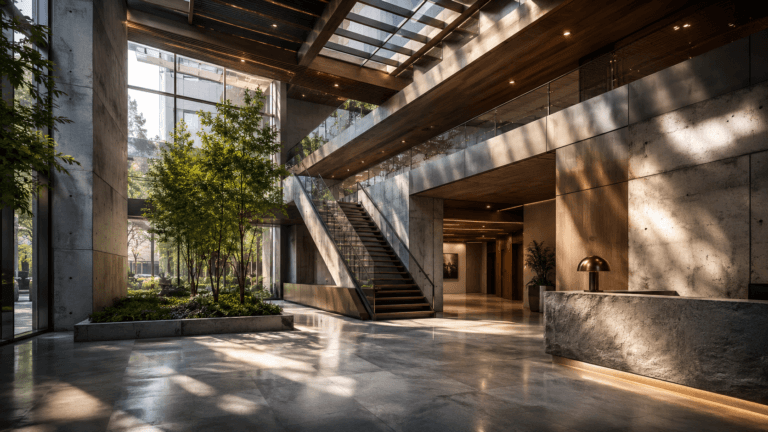
This is one area where 3ds Max has a particularly strong position. Architectural visualization requires efficient modeling, material setup, lighting, camera composition, and rendering. 3ds Max is widely used for design visualization and includes tools specifically suited to creating buildings, environments, and visualizations. Autodesk describes 3ds Max as a tool for architectural designs and game worlds.
Maya can certainly create architectural models and renders, but its strengths are more closely associated with animation, characters, and VFX.
Winner: 3ds Max.
Read More: Advantages of 3D Visualization
7. Maya vs 3ds Max for Hard-Surface Modeling
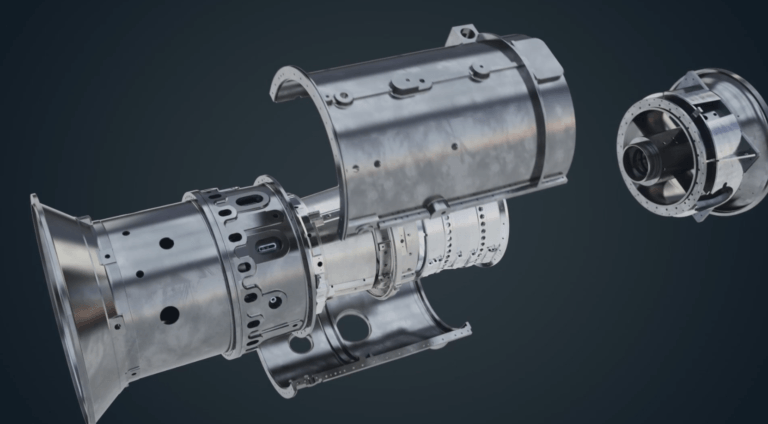
Hard-surface modeling services involve creating manufactured or mechanical objects such as vehicles, weapons, machinery, furniture, and architectural structures. Both applications are capable, but 3ds Max has a particularly strong reputation in this area.
Its modifier stack, spline workflows, Smart Extrude, Boolean tools, and retopology features provide a flexible environment for constructing and refining hard-surface models. Maya is also highly capable and includes polygonal and NURBS modeling tools, making it suitable for both organic and hard-surface assets.
Winner: 3ds Max for many hard-surface and design-focused workflows.
8. Maya vs 3ds Max for Rendering
Both Maya and 3ds Max integrate Arnold for rendering. This means the renderer itself is less of a deciding factor than the modeling, animation, scene-building, and production workflow surrounding it.
3ds Max provides Arnold integration alongside PBR materials, interactive viewports, physical cameras, color management, and scene conversion tools. Maya also integrates Arnold and provides look-development tools through LookdevX, along with workflows for creating both realistic and stylized renders.
Winner: Tie.
9. Maya vs 3ds Max: Workflow and Interface
The two programs approach their interfaces and workflows differently. 3ds Max’s modifier stack is particularly useful for non-destructive modeling. Artists can add, remove, and modify operations while maintaining a flexible construction history.
Maya is highly customizable and is designed around complex animation, rigging, modeling, and production workflows. Its scripting and API capabilities allow technical artists and studios to build customized tools around their pipelines.
Neither interface is objectively better. The better workflow depends on what you are trying to accomplish and which application you already understand.
10. Maya vs 3ds Max: Learning Curve
Both applications have a substantial learning curve.
3ds Max can feel more approachable for beginners who primarily want to learn modeling and visualization. Its modifier-based workflow can make it relatively straightforward to experiment with geometry.
Maya can be more demanding because animation, rigging, scripting, and production workflows introduce many interconnected concepts.
However, learning difficulty should not be the primary reason for choosing one. If your goal is character animation, spending more time learning Maya may be more valuable than choosing 3ds Max simply because the first few weeks feel easier.
11. Maya vs 3ds Max: Plugins and Scripting
Both applications can be extended significantly.
Maya supports Python and MEL scripting and provides APIs that allow studios to build customized production tools. Autodesk also highlights Maya’s scripting and plugin capabilities as part of its pipeline workflows.
3ds Max supports Python and MaxScript and has a large plugin ecosystem. Autodesk highlights plugins such as tyFlow, thinkingParticles, and ForestPack as examples of how the software can be extended.
For a studio, this extensibility can be just as important as the built-in features because custom tools can automate repetitive tasks and connect the software to the rest of the production pipeline.
12. Maya vs 3ds Max: Pricing
Both Maya and 3ds Max are commercial Autodesk products with subscription pricing.
Autodesk’s current store lists Maya and 3ds Max at the same annual price in its U.S. store, while regional pricing can vary. Autodesk also offers educational access for eligible students and educators and provides free trials.
Because Autodesk pricing can change, it is best to check the current official store before making a purchasing decision.
Maya vs 3ds Max: Pros and Cons
Maya Pros
Maya is particularly strong for character animation, rigging, VFX, simulation, and animation-heavy production pipelines. Its extensive animation tools and customization options make it suitable for complex character and film workflows.
Maya Cons
Maya can have a steeper learning curve, particularly for users who are new to professional 3D software. Its extensive toolset can also feel overwhelming when you only need basic modeling or visualization.
3ds Max Pros
3ds Max is particularly strong for modeling, hard-surface workflows, architectural visualization, and design visualization. Its modifier stack and extensive plugin ecosystem provide significant flexibility.
3ds Max Cons
While 3ds Max has strong animation and rigging capabilities, artists focused primarily on advanced character animation may prefer Maya’s 3D animation-oriented workflow and ecosystem.
Which Is Better: Maya or 3ds Max?
There is no single answer because the best 3D modeling software depends on the work you want to create.
Choose Maya If You Want to:
Create animated characters, work in film or VFX, build sophisticated rigs, focus heavily on character animation, or work in a production pipeline where Maya is already the standard.
Choose 3ds Max If You Want to:
Focus on architectural visualization, hard-surface modeling, design visualization, environments, products, or workflows that benefit from its modifier stack and plugin ecosystem.
Choose Either If You Want to:
Work in general 3D modeling, rendering, or game development.
Can You Use Maya and 3ds Max Together?
Yes. You do not necessarily have to choose only one. A production pipeline can use different applications for different stages.
For example, an artist might create an asset in 3ds Max, transfer it to Maya for character rigging and animation, and then send the finished asset through another application for texturing or rendering.
Both applications support common production formats such as FBX and USD, which makes interoperability possible, although transferring complex scenes between applications can still require cleanup and pipeline-specific adjustments. Autodesk lists FBX and USD among supported formats in 3ds Max and highlights OpenUSD workflows in both applications.
Maya vs 3ds Max: Which One Should You Learn?
If you are completely new to 3D and are unsure what specialization you want, either application can provide a solid foundation. However, your career goal should influence your decision.
If you want to become a character animator, rigger, or VFX artist, Maya is generally the stronger starting point.
If you want to specialize in architectural visualization, hard-surface modeling, or design visualization, 3ds Max is often the more natural choice.
If you want to become a game artist, look at the 3D animation studios and jobs you are targeting. Both applications are used in game production, and the pipeline requirements of a specific studio can matter more than the theoretical advantages of either software.
Conclusion
Maya and 3ds Max are both powerful professional 3D applications, but they excel in different areas. Maya is the better choice for character animation, rigging, VFX, simulation, and animation-heavy film or game pipelines. 3ds Max is the better choice for architectural visualization, hard-surface modeling, design visualization, and many environment and product workflows.
For general 3D work, neither has an absolute advantage. The most important question is not “Which software is better?” but “Which software fits the work I want to do?” And if your career eventually requires both, learning one does not prevent you from adding the other later. The fundamental 3D skills, modeling, topology, UVs, materials, lighting, animation, and visual storytelling, transfer between applications.