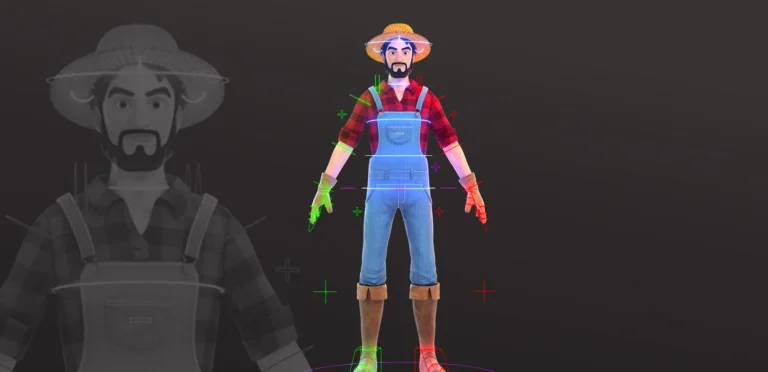

Almost every digital object you see on a screen starts as a 3D model. Whether it is a character in a film, a vehicle in a video game, or a virtual mockup of a building, these assets are built by hand inside digital workspaces. For studios and clients looking to bring their ideas to life, understanding how 3D modeling works is essential to ensuring a smooth production pipeline.
What Is 3D Modeling?
At its core, 3D modeling is the process of creating three-dimensional digital representations of objects or scenes inside specialized software. Unlike flat 2D images, these models exist in a virtual three-dimensional space with height, width, and depth. 3D modeling services allows artists to rotate, scale, animate, and view them from any angle.
The digital mesh of a 3D model is built using three primary geometric components:
- Vertices: Individual points in digital space that define the basic shape of the model.
- Edges: Straight lines that connect these vertices together.
- Polygons: Closed shapes formed when three or more edges connect. These flat faces form the surface mesh of the object.
The Different Types of 3D Modeling
3D modelers use different modeling techniques depending on the software, the project requirements, and the final goal:
- Polygonal Modeling: This is the most common technique in entertainment. Artists have direct control over the mesh, vertices, edges, and faces to build highly detailed and intricate structures.
- Digital Sculpting: This process mimics working with physical clay in a digital workspace. Using virtual brushes, artists can sculpt organic details like wrinkles, muscle definition, and skin pores. This technique is highly effective for creating characters and creatures.
- Procedural Modeling: Instead of building models by hand, artists use mathematical rules and algorithms to automatically generate geometry. It is highly efficient for creating complex patterns, vegetation, buildings, or large terrains.
- Solid Modeling: A computer-aided design (CAD) technique used to turn 2D sketches into solid 3D digital shapes. This method calculates volume and physical properties, making it essential for engineering and manufacturing.
- Surface Modeling: This technique focuses on defining the smooth exterior of an object, making it useful for checking surface quality on mechanical parts.
- NURBS (Non-Uniform Rational B-Splines): This method uses curves with control points to define mathematical surfaces. Because it offers extreme precision, it is widely used in automotive design and engineering.
Organic vs. Hard Surface Modeling
Within a professional production pipeline, models are generally divided into two main categories:
- Organic Modeling: This includes living subjects and natural elements like characters, animals, creatures, plants, and natural environments. These models must be built to support natural bending and movement.
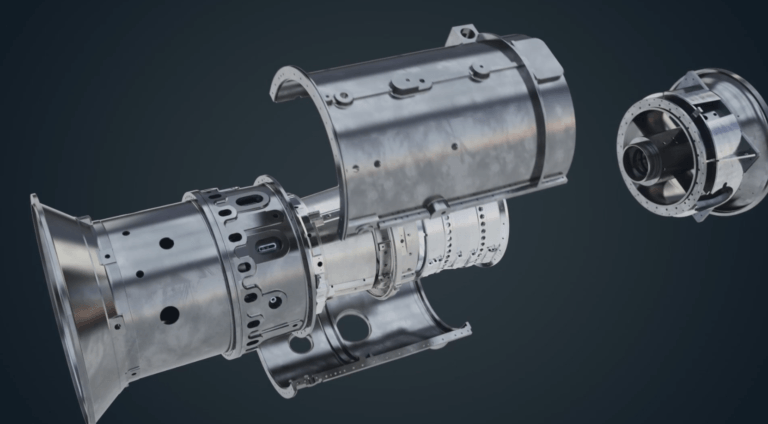
- Hard Surface Modeling: This covers manufactured, mechanical, and man-made structures like vehicles, buildings, weapons, robots, and machinery. These assets rely on precise geometry, sharp angles, and clean mechanical forms.
In a professional studio environment, these categories often overlap. For example, a character modeler might need to use hard surface modeling techniques to create the armor or clothing accessories for an organic character.
What is 3D Modeling Used For?
While 3D modeling benefits are heavily associated with entertainment, its practical applications stretch across dozens of modern industries. Today, digital models serve as both artistic assets and vital planning tools. There are also many advantages of 3D modeling in engineering.
1. Entertainment and Media
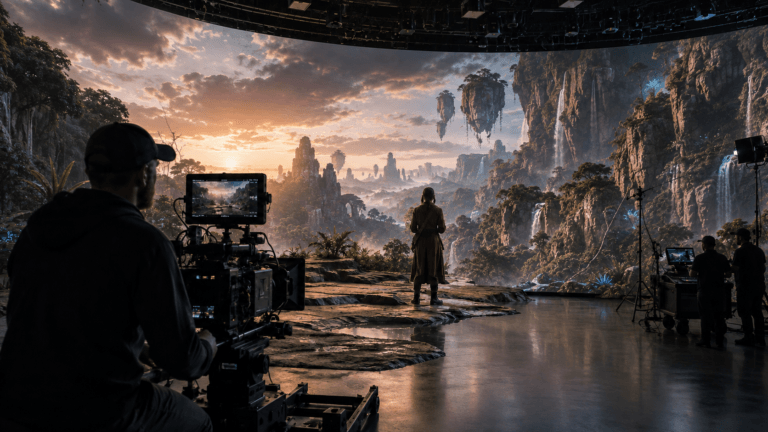
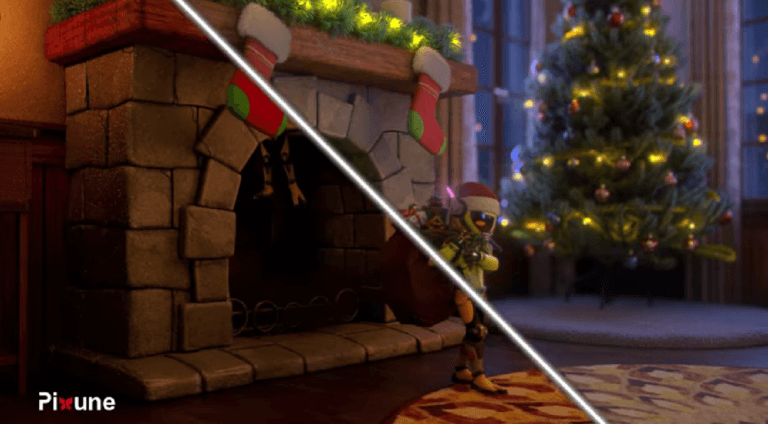
The most recognizable use is in films, television, and video games. Studios use 3D modeling to build entire virtual worlds, design lifelike characters, and create complex visual special effects. This includes visualizing concepts that are impossible to capture with physical cameras, such as dragons or fantastical creatures.
2. Architecture and Real Estate
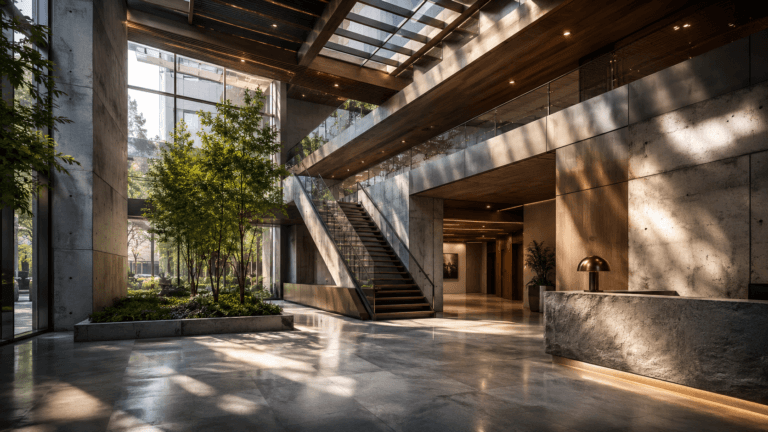
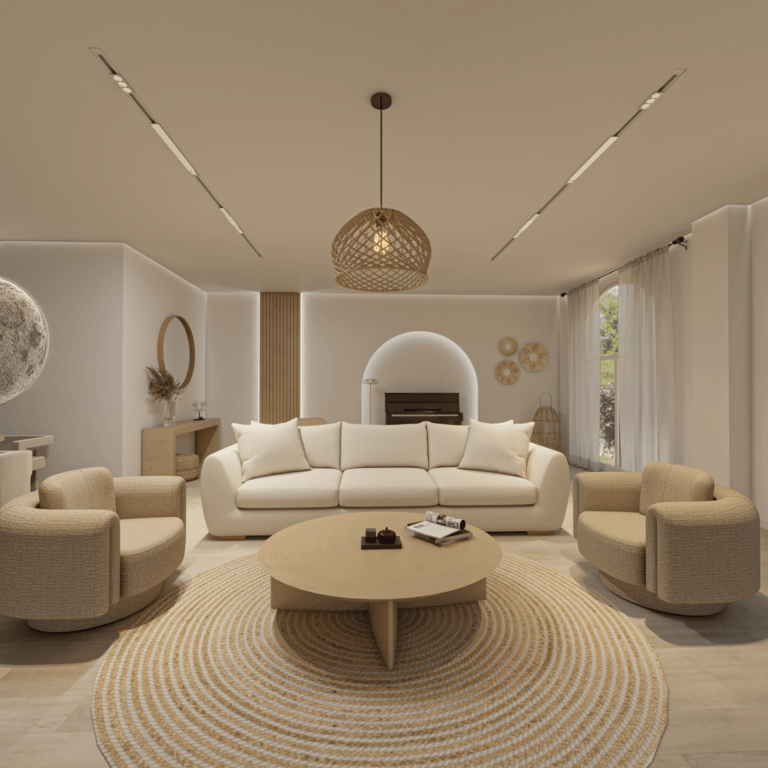
Architects and designers rely on 3D models to create detailed virtual representations of buildings, landscapes, and interior spaces. These models are essential for 3D architectural animation, visualizing plans, identifying potential structural issues before construction begins, and clearly communicating a design vision to clients and investors.
3. Product Design and Manufacturing
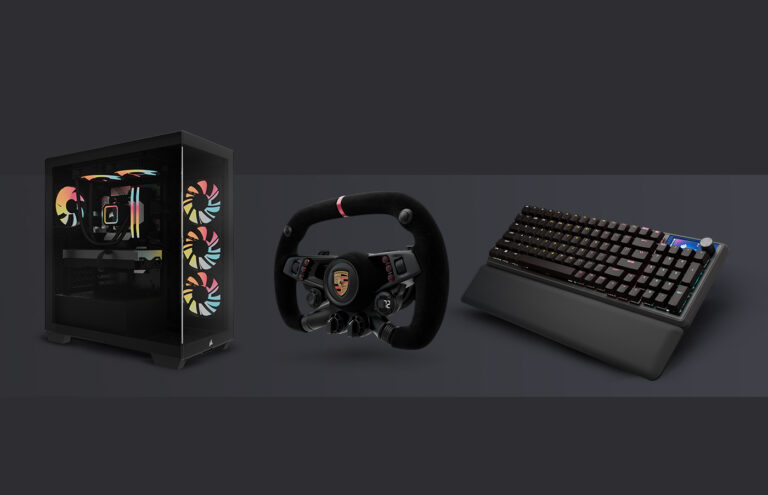
Instead of creating expensive physical prototypes, manufacturers use 3D modeling to draft, refine, test product ideas, and create industrial animations. This allows designers to simulate a product’s real-world functionality, assess manufacturing feasibility, and make unlimited adjustments before moving to final production.
4. Automotive and Aerospace Industries
Engineers use 3D models to design and test vehicles and their individual mechanical components in safe virtual environments. These highly realistic digital models are also widely used in technical animation, marketing campaigns, and commercials.
5. Medical and Healthcare
Surgeons and medical researchers use 3D modeling to reconstruct accurate digital representations of organs, bones, and tissues from medical scans. These models assist in surgical planning, medical training, and precise diagnoses.
6. Virtual Reality (VR) and Augmented Reality (AR)
Building immersive digital environments and interactive assets requires a steady pipeline of 3D models, helping users interact with virtual spaces in real time across education, training, and retail.
7. Education and Training
Digital models allow students and professionals to practice complex skills in safe, controlled environments. This includes interactive school subjects like biology or geography, as well as highly technical training tools like professional flight simulators for pilots.
The Professional 3D Modeling Process
Creating production-ready assets requires a structured, multi-step 3D modeling pipeline to ensure the final models are optimized and work seamlessly in later production stages like rigging and animating:
Research and References
Most 3D modeling projects begin with gathering references and visual research. Artists study anatomy, clothing, architecture, materials, proportions, and real-world objects before starting production. Strong references help improve realism, visual consistency, and overall design quality.
For stylized projects, artists also research shape language, character color palettes, character art style, and art direction to match the visual identity of the production.
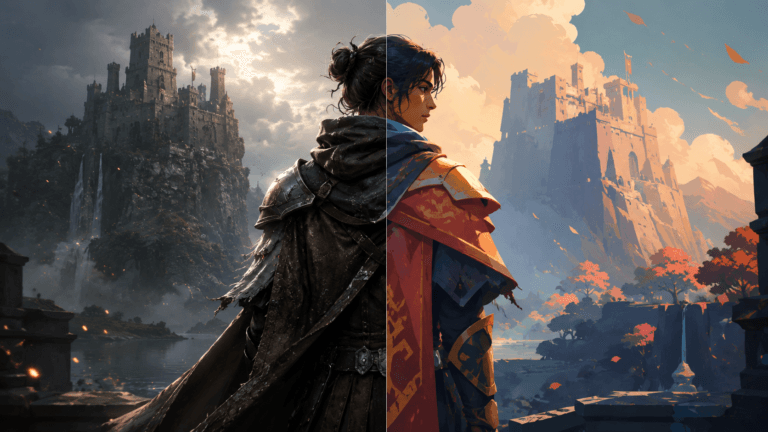
Concept Art and Design
Concept art establishes the visual direction of the model before production begins. Character designers and concept artists define the silhouette, proportions, costumes, facial features, and personality of the asset.
This stage helps the entire team align on the final visual goal before time is spent building the 3D model itself. Clear concept art also reduces revisions later in production.
Blocking Out the Model
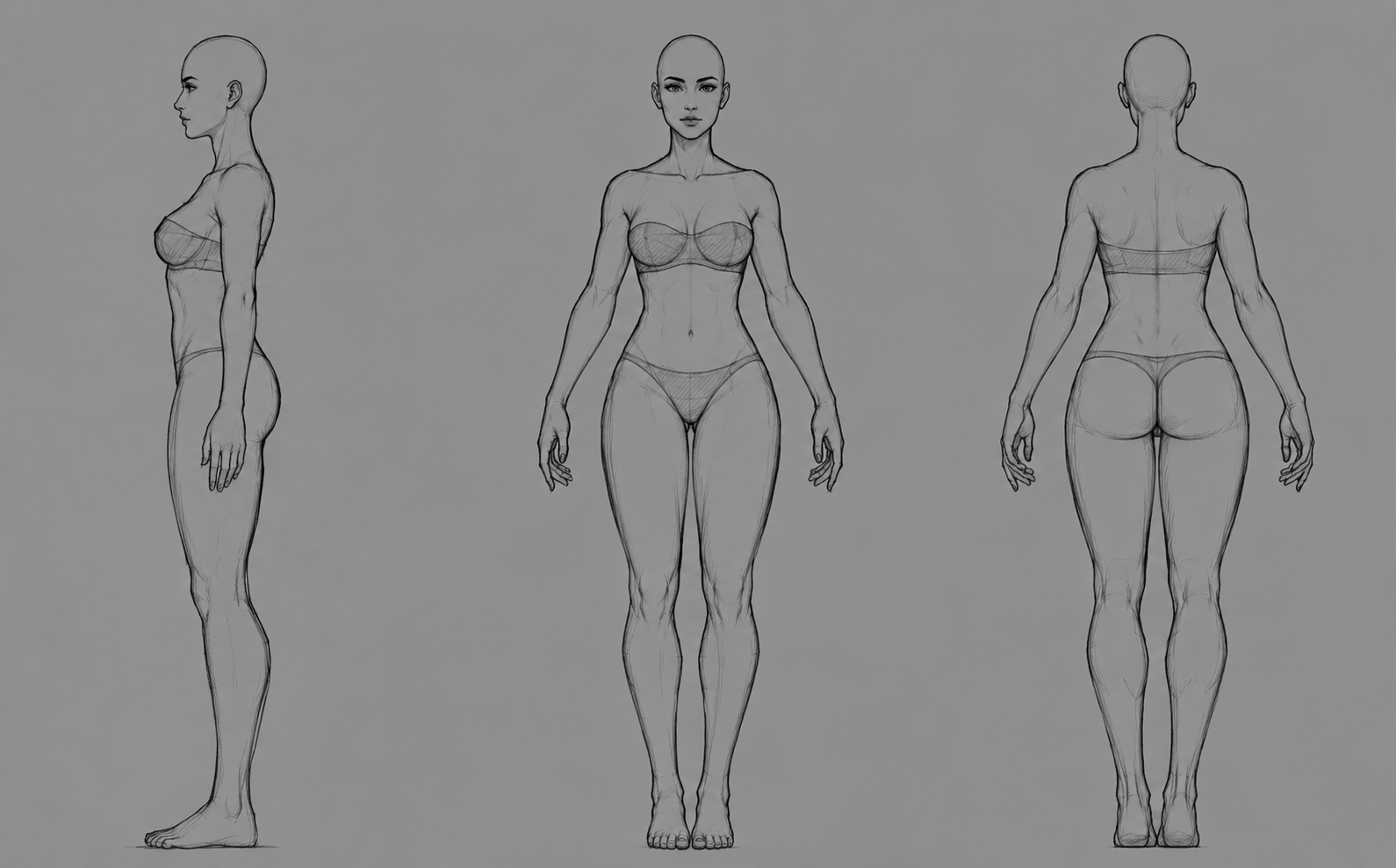
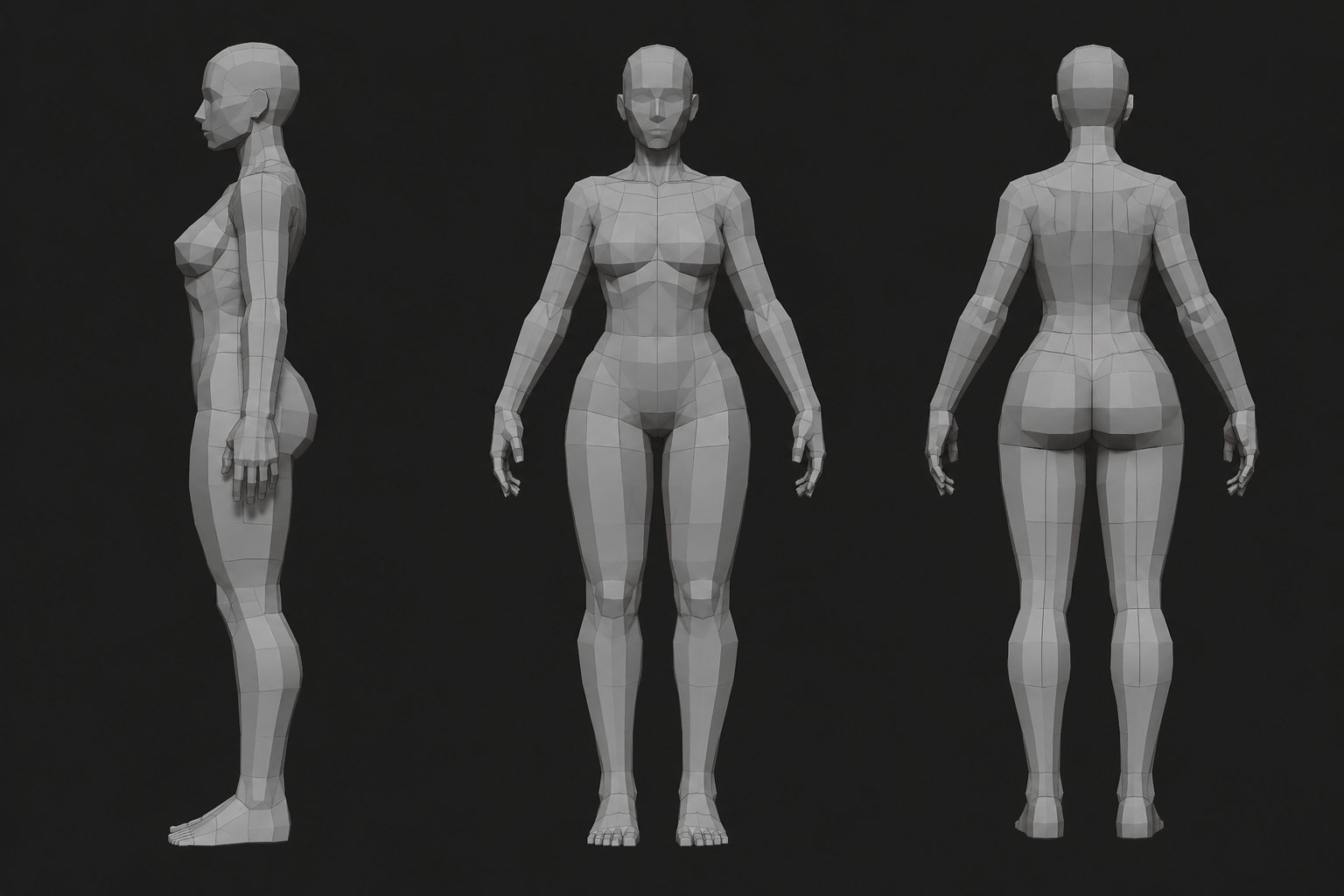
Blocking is the process of creating the basic shapes and proportions of the model before adding details. Modelers focus on the overall silhouette, scale, and major forms rather than small surface information.
At this stage, the model is usually very simple and low-detail. The goal is to establish a strong foundation that can later be refined during sculpting and detailing.
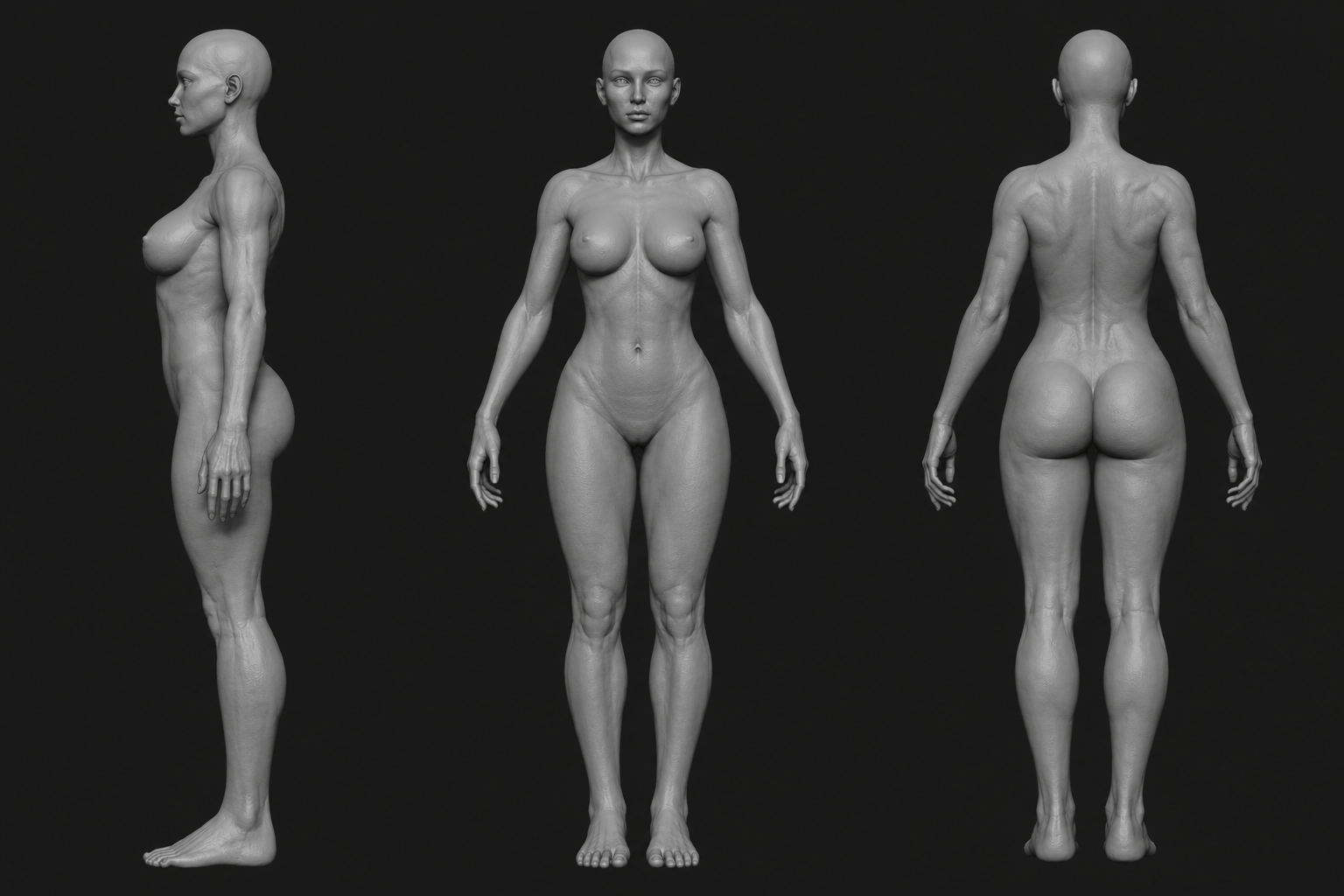
Sculpting or Detailed Modeling
Once the blockout is approved, artists begin refining the model and adding details. Depending on the project, this may involve polygon modeling, digital sculpting, or a combination of both.
Digital sculpting tools such as ZBrush are commonly used to create wrinkles, muscles, skin pores, clothing folds, and surface imperfections. Stylized projects may use cleaner and simpler workflows with less emphasis on micro-detail.
This stage is where the model starts to gain personality, realism, and final visual quality.
Retopology
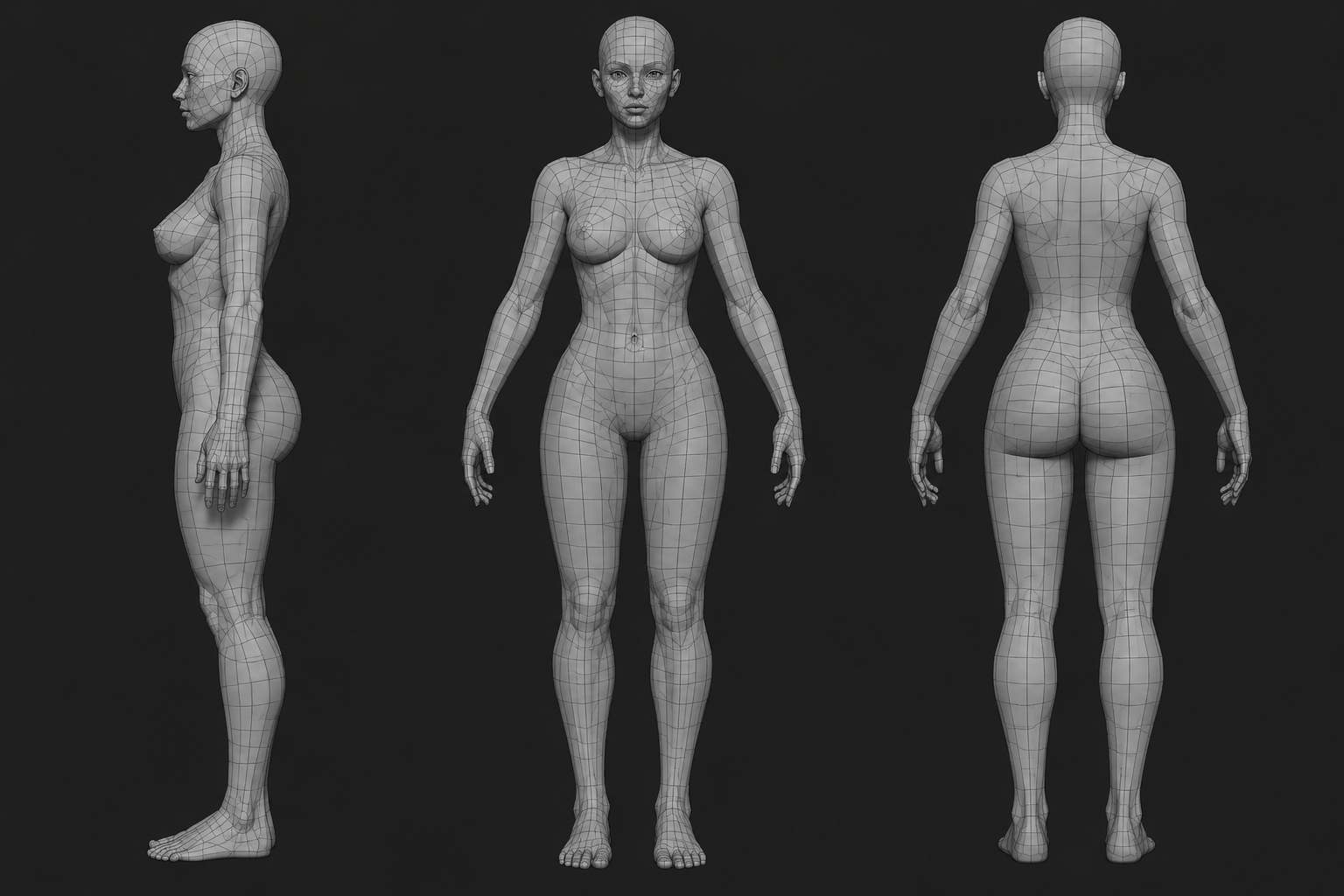
After sculpting, the model often contains millions of polygons and is too heavy for animation or game engines. Retopology is the process of rebuilding the geometry with cleaner and more optimized topology.
Artists create proper edge flow and polygon distribution so the model can deform correctly during animation. Good retopology is extremely important for rigging, skinning, facial animation, and performance optimization.
Without proper topology, even highly detailed models may deform poorly once animated.
Read More: High-Poly vs. Low-Poly Modeling
UV Mapping and Texturing
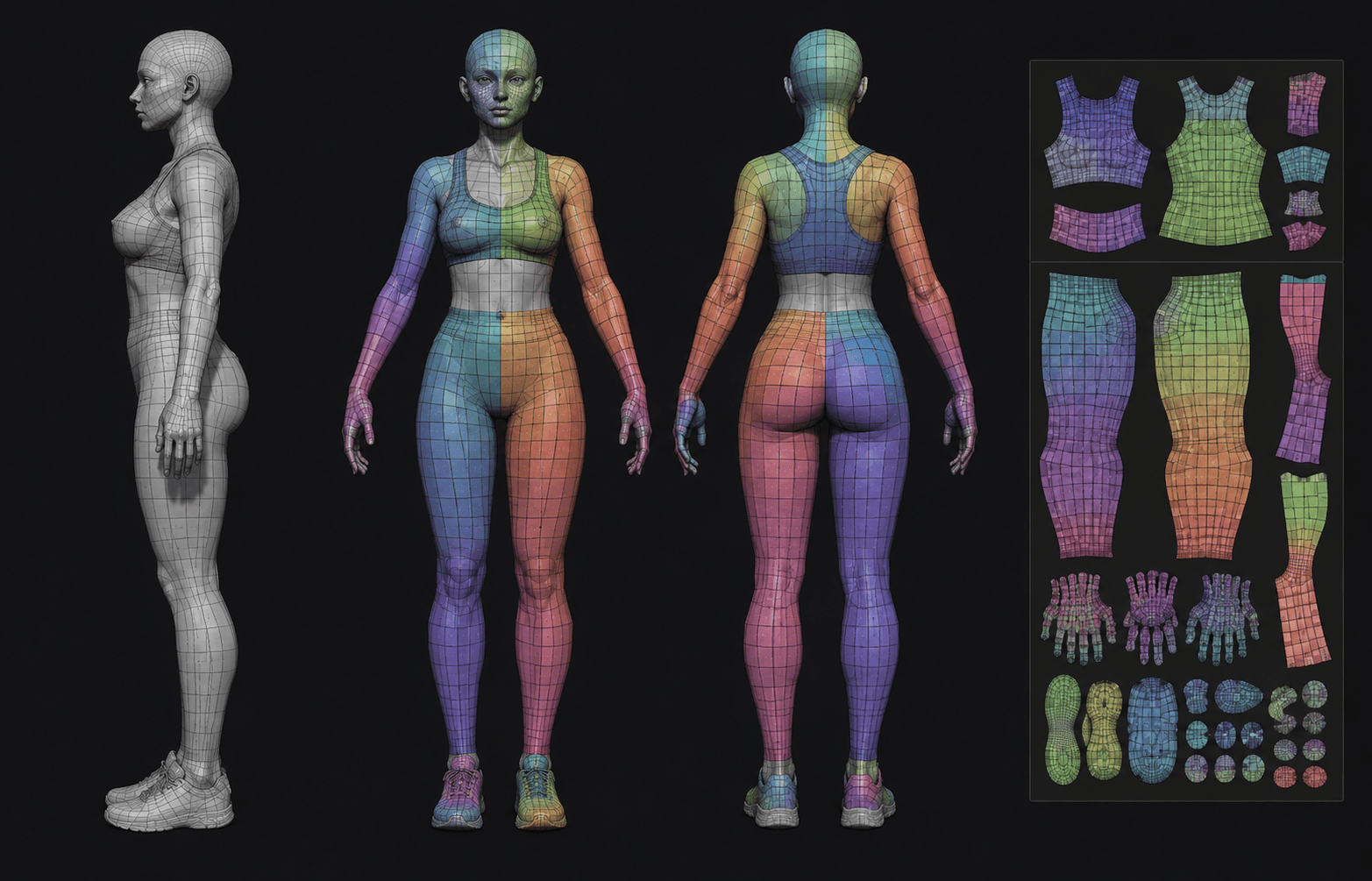
UV mapping unwraps the 3D model into a flat 2D layout so textures can be painted correctly onto the surface.
After UVs are created, texturing artists move into texturing, where they add colors, roughness, metallic values, surface wear, dirt, scratches, and material definition. This stage gives the model its final surface appearance and helps communicate realism or stylization.
Well-made textures greatly improve the visual quality of the final render.
Preparing the Model for Rigging
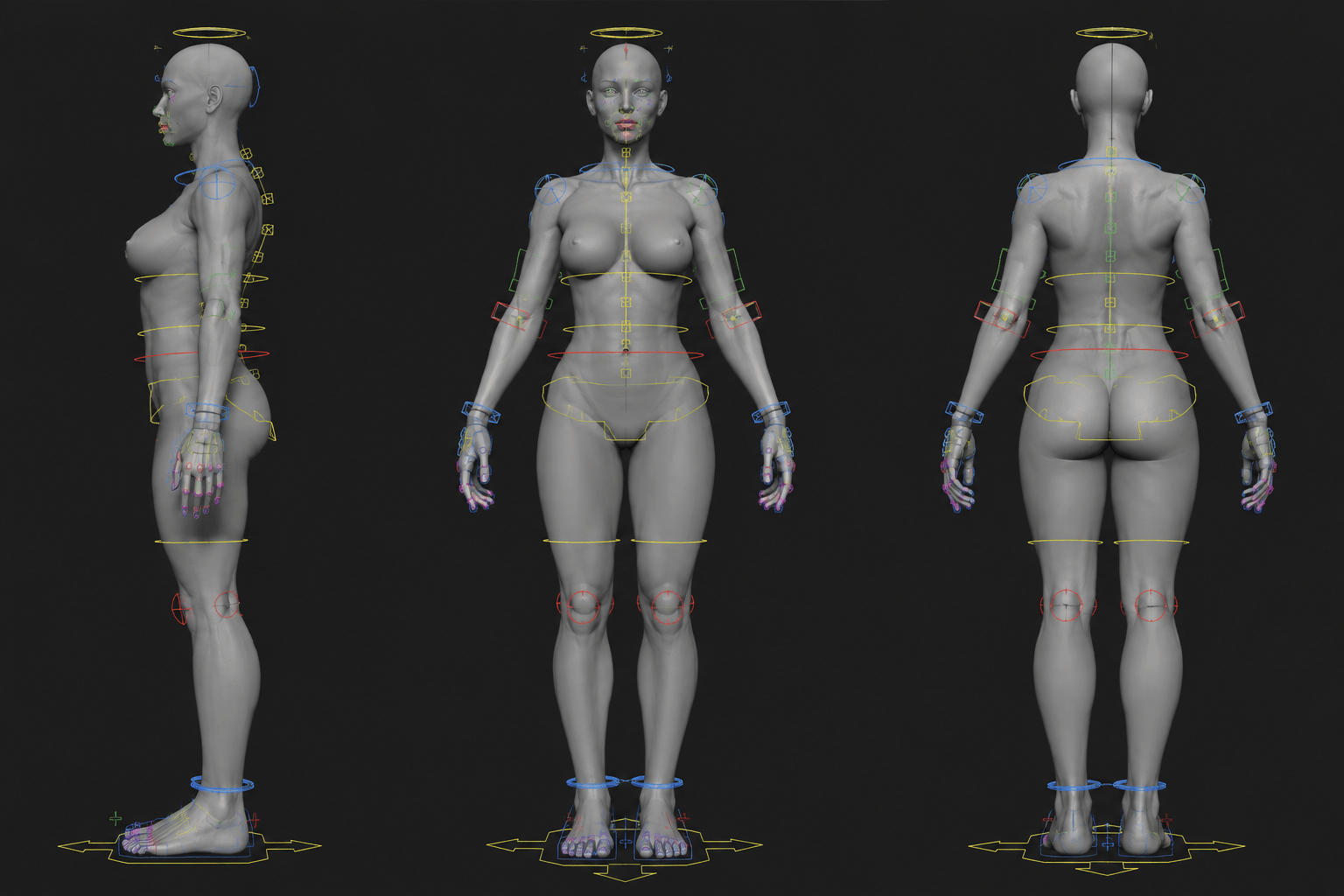
Before the asset moves into rigging and animation, artists clean and finalize the model to ensure it works properly inside the pipeline.
This rigging process usually includes checking topology, verifying proportions, cleaning geometry, organizing naming conventions, and testing deformations around important joints.
The final model must be optimized, animation-friendly, and technically clean before a rigging artist begins building the skeleton and control systems.
The Crucial Difference: Game-Ready vs. Animation-Ready Models
These models must run smoothly in real-time game engines. Because performance and memory are limited, game assets prioritize optimization. Artists use lower polygon counts and rely on a process called baking, which transfers the fine details of a high-poly sculpt onto a lightweight low-poly model using specialized texture maps.
Game models usually prioritize:
- asset optimization
- lower polygon counts
- performance
- real-time rendering
Read More: High-Poly to Low-Poly Workflow in Game Art
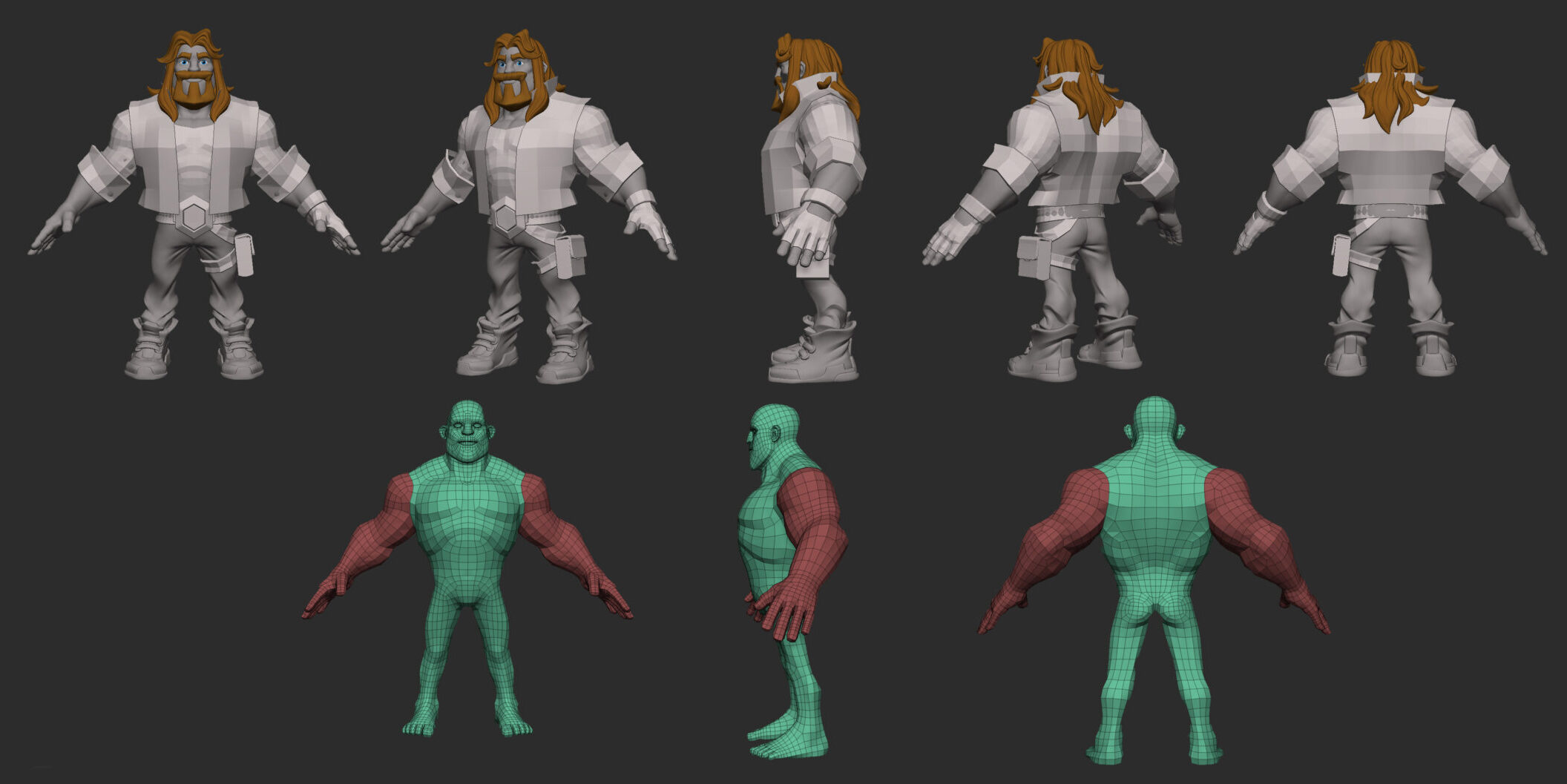
Because animated films do not need to render in real-time, they are less constrained by polygon counts. These assets prioritize cinematic detail, seamless facial performance, and extreme deformation quality.
Animation models often prioritize:
- deformation quality
- cinematic detail
- facial performance
- rendering quality
Essential Software Tools of the Trade
A professional modeler’s choice of 3D modeling software depends on the specific demands of the project:
- Blender: A popular, open-source suite that handles modeling, sculpting, texturing, rigging, and rendering. It is widely used by independent artists and small studios.
- Autodesk Maya: The industry standard for film, VFX, and professional animation pipelines due to its highly advanced rigging and 3D animation tools.
- ZBrush: The premier digital sculpting tool, famous for mimicking traditional clay techniques to create high-detail character modeling services and organic forms.
- Autodesk 3ds Max: A powerful tool widely used for game art, architectural visualization, and hard-surface modeling.
- Cinema 4D: Known for its strong motion graphics, texturing, and rendering capabilities.
Conclusion
3D modeling is one of the most important foundations of modern animation production. Characters, environments, props, and creatures all begin as digital models before they move through rigging, animation, lighting, and rendering pipelines.
Strong 3D modeling improves deformation quality, animation performance, visual storytelling, and overall production efficiency. Whether creating stylized animated films, AAA games, cinematic trailers, or VFX projects, high-quality models play a major role in the success of the final production.
As animation technology continues evolving, 3D modeling remains one of the core skills behind modern digital entertainment and interactive media.
FAQs
Which software should I learn first?
Start with industry staples like Blender, Maya, ZBrush; later expand to specialty tools for sculpting, texturing, or hard-surface.
Do I need formal education?
Not always. Courses or degrees help with fundamentals & networking, but portfolio & hands-on experience often weigh more.
How can I build a portfolio that stands out?
Show variety (characters, props, environment), clean topology, good textures & lighting, rigged or posed models to show deformation.
What is topology & why is it important?
Topology is mesh structure; good topology deforms well in animation & avoids artifacts. Clean flow matters for joints & bending.
How much does UV mapping / texturing matter?
Very. Proper UVs & textures bring realism without overloading mesh detail; materials define surface detail and visual fidelity.
Should I learn rigging & animation too?
Yes. Knowing basics helps you model with animation in mind (e.g. joints), so your models deform better. Not required to master though.
How do I optimize models for animation?
Use quads, maintain even topology, avoid unnecessary geometry, use LODs, bake details into textures rather than high poly.
How long does it take to become excellent?
Varies. With daily focused practice, feedback & projects, many see strong growth within 1-3 years depending on intensity & learning.
How important is feedback & critique?
Very. It helps catch mistakes you miss, learn new techniques, improve topology & design; essential for growth.
Can I start as a freelancer?
Yes. Freelancing builds your skills, portfolio & network. Be prepared for varied tasks & self-management.
What are common mistakes beginners make?
Over-detailing, ignoring topology, poor UVs, neglecting animation constraints, only doing single style, weak reference use.
How do I stay updated / improve continually?
Watch tutorials, join forums, study other artists’ work, experiment with new software, try challenges & stay attuned to industry trends.
How do modelers work with other team roles?
Modelers collaborate with concept artists, riggers, animators, texture & lighting artists. Clear communication ensures assets work well in production.