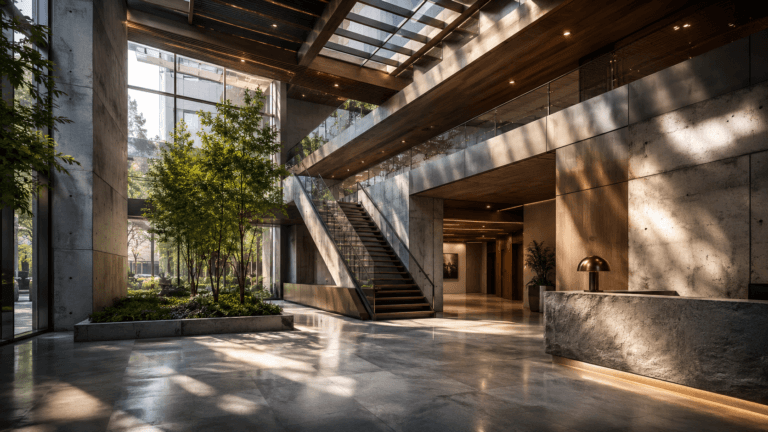

Architectural visualization software allows architects, designers, and real estate professionals to create realistic 3D models, renders, and interactive walkthroughs of buildings, interiors, and urban environments. These tools bridge the gap between imagination and reality, helping clients and stakeholders visualize concepts before construction begins.
By using professional visualization software, teams can enhance design accuracy, reduce errors, improve communication, and produce compelling presentations for marketing or approvals.
What is Architectural Visualization Software?
Architectural visualization software is a digital tool used to model, render, and present architectural projects. It combines 3D modeling, realistic material simulation, lighting, and animation to create immersive experiences for 3D architectural animation services.
How It Helps Architects and Designers
These tools allow professionals to test design concepts virtually, simulate materials/textures and lighting, and explore different layouts before construction. They also help communicate complex ideas to clients in a way that is visually clear and engaging.
3D Modeling vs Rendering vs Visualization
- 3D Modeling: Building the geometry of the structure or objects in digital space.
- Rendering: Converting the 3D models into photorealistic images or animations.
- 3D Visualization: The overall process of creating immersive experiences that combine modeling, rendering, and interactive tools for presentation. 3D visualization has many benefits, like integrating all stages to help clients understand the project fully.
Best Architectural Visualization Software
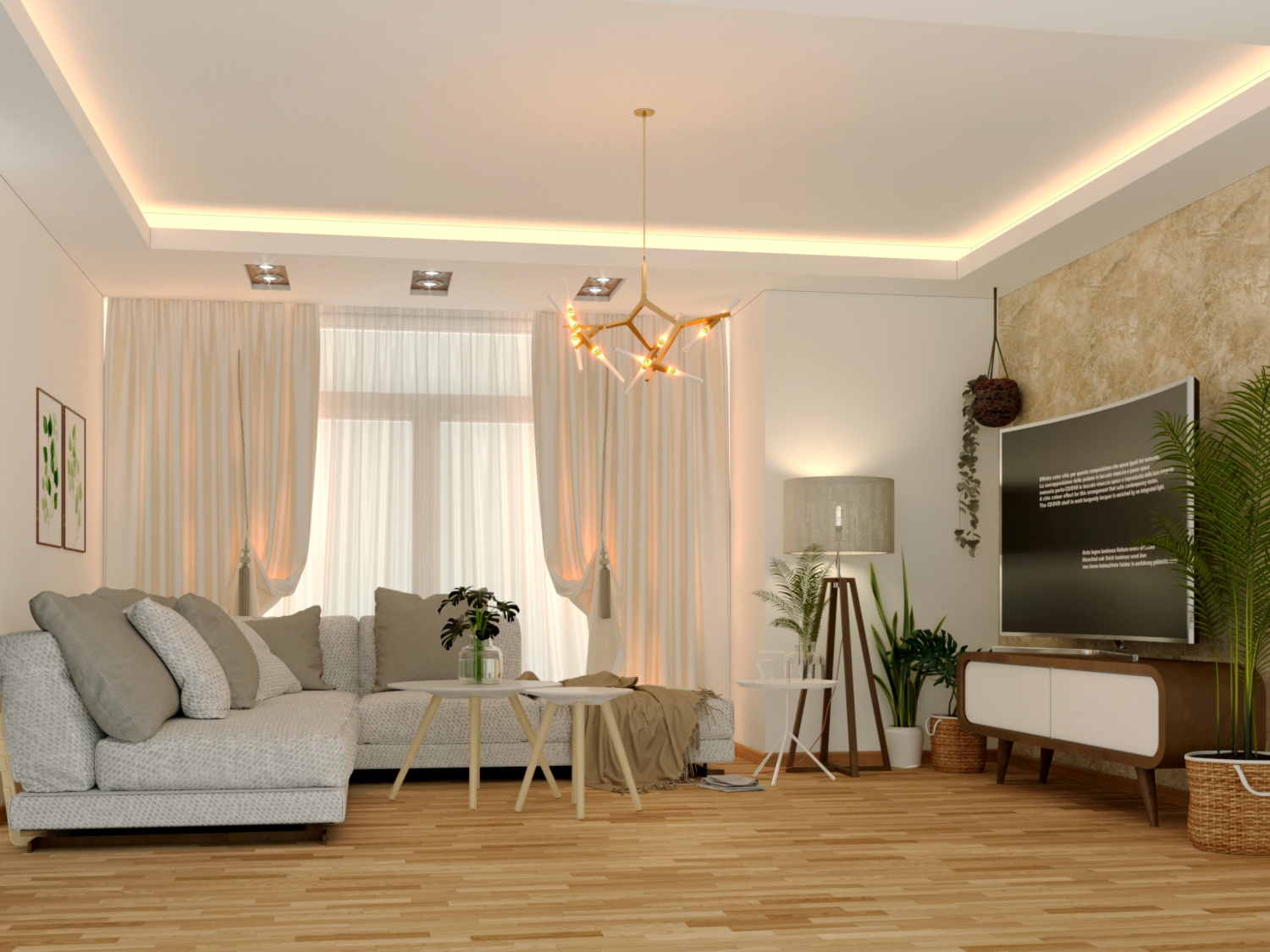
Choosing the right software for architectural visualization can dramatically improve workflow efficiency, render quality, and client presentation. Each tool has unique strengths depending on project scale, required realism, and interactivity. Below is a breakdown of some of the most widely used architectural visualization software in 2026.
1. Autodesk 3ds Max
3ds Max is widely used for creating detailed architectural models and renders. Its integration with V-Ray allows for photorealistic lighting and textures. Ideal for interior, exterior, and cinematic visualization.
Features:
- High-quality sculpting and modeling tools
- V-Ray integration for photorealistic lighting and materials
- Advanced animation and camera controls
Use Cases:
- Interior and exterior architectural visualization
- Cinematic walkthroughs and flythroughs
- High-end commercial renderings
Why It Stands Out:
- Extensive plugins and support
- Flexible workflow for both photorealistic and stylized projects
2. SketchUp
SketchUp is intuitive and fast, making it ideal for conceptual modeling and client presentations. Its plugin ecosystem expands its capabilities for rendering and walkthroughs.
Features:
- Quick 3D modeling tools
- Extensive 3D Warehouse for pre-made components
- Plugin support for rendering engines like V-Ray and Lumion
Use Cases:
- Early conceptual design
- Client presentations and interactive models
- Small to medium-scale projects
Why It Stands Out:
- Ideal for beginners and rapid prototyping
- Streamlines the conceptualization phase
3. Blender
Blender is a free and open-source tool that provides modeling, texturing, and rendering in one platform. Suitable for independent designers and a 3D animation studio who needs a full 3D pipeline.
Features:
- Full 3D pipeline including sculpting, texturing, and rendering
- Cycles and Eevee rendering engines for realistic and real-time outputs
- Animation and camera controls for walkthroughs
Use Cases:
- Independent architects or small studios
- Budget-friendly production without compromising quality
- Experimental and creative visualization projects
Why It Stands Out:
- Free and community-supported
- Extremely versatile for multiple visualization tasks
4. Lumion
Lumion specializes in real-time architectural rendering. It offers large material libraries and allows rapid creation of photo-realistic renders and videos.
Features:
- Large material and object libraries
- Real-time rendering and lighting adjustments
- Animation and video export tools
Use Cases:
- Fast photorealistic exterior and interior renders
- Marketing visuals for presentations
- Client walkthrough animations
Why It Stands Out:
- Quick rendering and easy-to-use interface
- Ideal for rapid project turnaround
5. Twinmotion
Twinmotion is known for fast, real-time visualization with simple controls. It is particularly useful for architects who need interactive presentations or VR walkthroughs.
Features:
- Drag-and-drop materials, lights, and vegetation
- Real-time rendering with high-quality visuals
- VR export for immersive walkthroughs
Use Cases:
- Interactive animated presentations for clients
- Urban planning and landscape visualization
- Quick environmental visualization
Why It Stands Out:
- Focuses on simplicity and speed
- Excellent for large environments and real-time exploration
6. V-Ray
V-Ray is a rendering engine used with multiple modeling tools like 3ds Max, SketchUp, and Rhino. It excels in producing high-quality photorealistic renders.
Features:
- Global illumination and realistic lighting
- Physically based materials for accurate results
- Advanced camera and exposure controls
Use Cases:
- High-end photorealistic architectural renders
- Animation and cinematic walkthroughs
- Studio-quality presentation imagery
Why It Stands Out:
- Industry-standard for realistic rendering
- Integrates seamlessly with popular modeling software
7. Enscape
Enscape is a real-time visualization tool that integrates with Revit, SketchUp, Rhino, and ArchiCAD. It allows fast rendering and live walkthroughs, ideal for design reviews.
Features:
- Live rendering and walkthrough
- VR support for immersive experiences
- Quick material and lighting adjustments
Use Cases:
- Fast previews during design reviews
- Client walkthroughs without lengthy rendering
- Architectural design collaboration
Why It Stands Out:
- Streamlined workflow for real-time presentation
- Excellent for collaborative project environments
8. Unreal Engine
Unreal Engine is a game engine used for architectural visualization to create interactive, high-quality visualizations and VR experiences with real-time rendering capabilities.
Features:
- Real-time photorealistic rendering
- Advanced lighting, materials, and post-processing
- VR and AR compatibility
Use Cases:
- Interactive architectural walkthroughs
- Large-scale urban planning and visualization
- Immersive client presentations and virtual experiences
Why It Stands Out:
- Real-time engine allows for interactive exploration
- Supports massive, detailed environments and cinematic quality
Software for Different Use Cases
Different architectural projects have unique requirements, and not all software is suited to every scenario. Some tools excel at photorealistic renders, while others are optimized for real-time visualization or collaborative workflows. Choosing software based on the specific project type ensures efficiency, better results, and smoother production.
Best for Photorealistic Rendering
V-Ray, 3ds Max, and Lumion excel in producing highly realistic lighting, shadows, and textures, suitable for marketing, client presentations, and competitions.
Best for Real-Time Visualization
Twinmotion, Enscape, and Unreal Engine allow architects to explore models interactively, make rapid changes, and present live walkthroughs to clients.
Best for Beginners
SketchUp and Blender provide intuitive interfaces and low learning curves, making them ideal for students or small studios.
Best for Large Architectural Projects
3ds Max, Revit + Enscape, and Unreal Engine handle large-scale urban projects, complex geometry, and collaborative team workflows efficiently.
Key Features to Compare
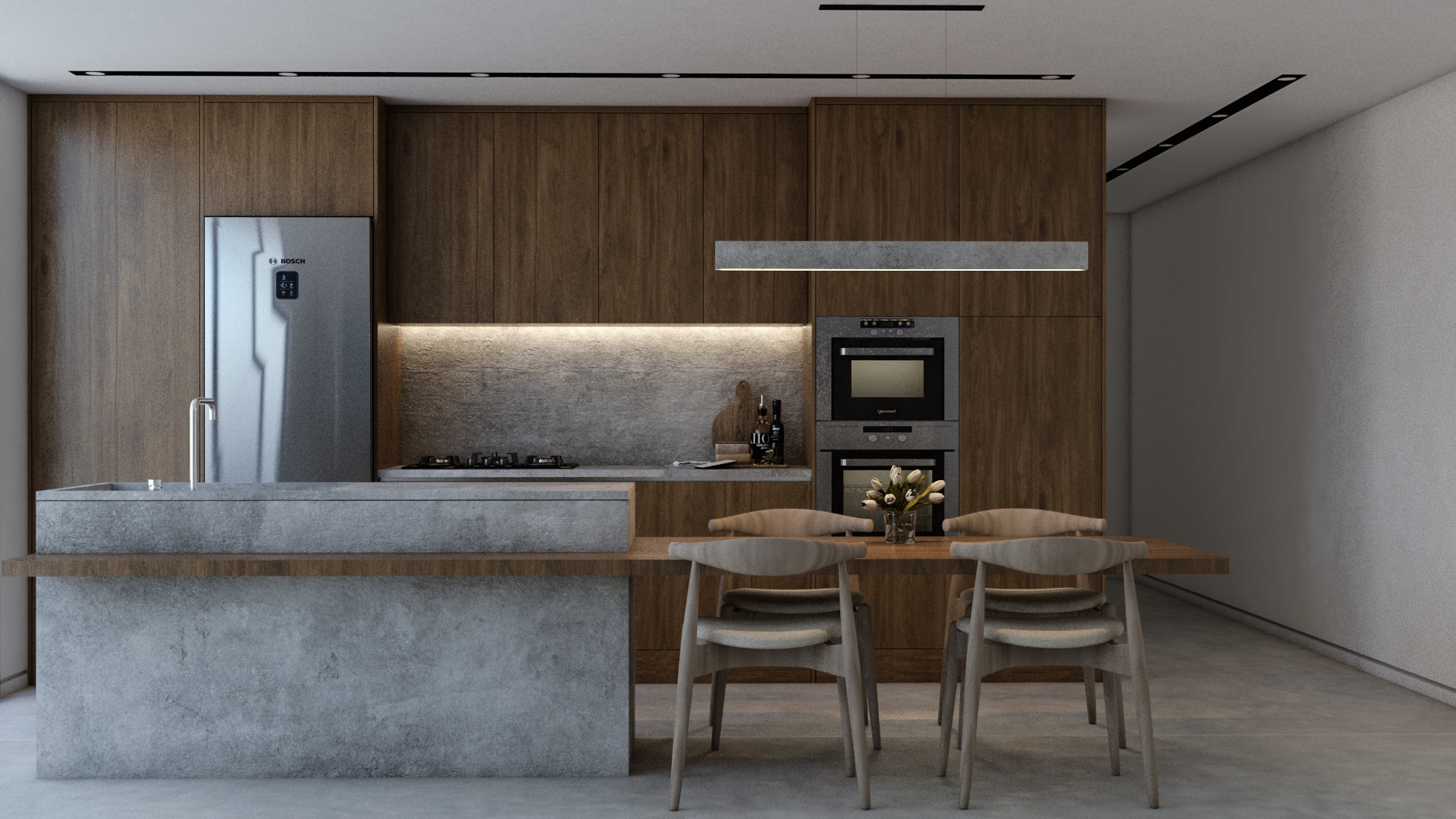
When evaluating architectural visualization software, it’s important to consider core features such as rendering quality, real-time preview capabilities, available asset libraries, BIM/CAD integration, and animation support. Comparing these features helps architects and designers select software that aligns with both technical requirements and project goals.
Rendering Quality
The software should provide accurate lighting, shadows, reflections, and realistic materials to create lifelike presentations.
Real-Time Preview
Real-time rendering allows immediate feedback during design adjustments, saving time and improving decision-making.
Asset Libraries
Built-in libraries for materials, furniture, and vegetation help speed up the visualization process.
BIM and CAD Integration
Integration with Revit, AutoCAD, or other CAD platforms ensures models remain consistent with architectural plans and data.
Animation and Walkthrough Support
Ability to create animated sequences, camera paths, and virtual walkthroughs enhances client engagement.
Free vs Paid Architectural Visualization Software
Some software options are free or open-source, providing accessibility for beginners or small studios. Paid tools often include advanced features, higher rendering quality, and professional support. Understanding the differences allows users to balance budget constraints with project needs to achieve optimal results.
Free and Open-Source Options
Blender provides complete 3D modeling techniques and rendering techniques without cost. It is ideal for small studios, independent architects, or educational purposes.
Professional Studio Tools
Tools like 3ds Max, Lumion, V-Ray, and Unreal Engine offer professional features, faster render speeds, and advanced integration for large-scale projects. These are often subscription-based but provide industry-standard quality.
How to Choose the Right Software
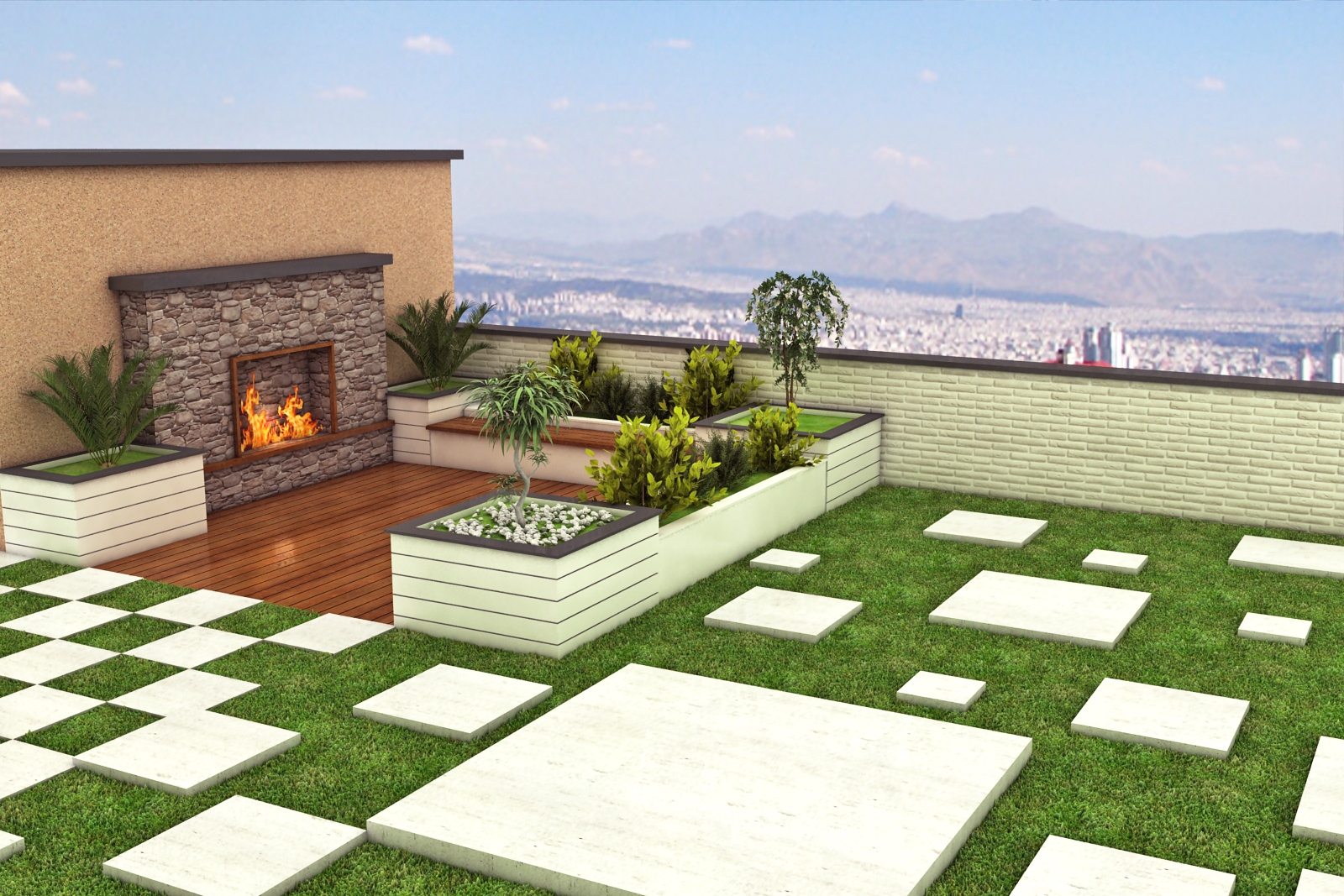
Selecting the best architectural visualization software depends on project scope, budget, team workflow, and the desired output quality. By carefully evaluating these factors, architects and designers can choose a tool that meets both creative and technical requirements, ensuring successful project delivery.
Project Scope
Consider whether the project requires photorealistic renders, interactive walkthroughs, or large-scale city models.
Budget
Free tools like Blender reduce costs for smaller studios, while high-end tools like 3ds Max or Lumion are better for large budgets and professional output.
Team Workflow
Choose software that supports collaboration, file sharing, and integration with your team’s existing design tools.
Output Quality
Decide if the project requires high-resolution renders, video animations, VR walkthroughs, or interactive presentations, and choose software that meets these needs.
Final Thoughts
Choosing the right architectural visualization software is crucial for efficient production, high-quality renders, and compelling client presentations. Whether for photorealistic marketing renders, real-time walkthroughs, or interactive VR experiences, the software you select can greatly impact project quality and workflow efficiency.
By understanding the features, advantages, and ideal use cases of each tool, architects and designers can select the best platform for their needs, saving time and enhancing their creative output.